Restore a backup, report a problem, or manage AI lookups.
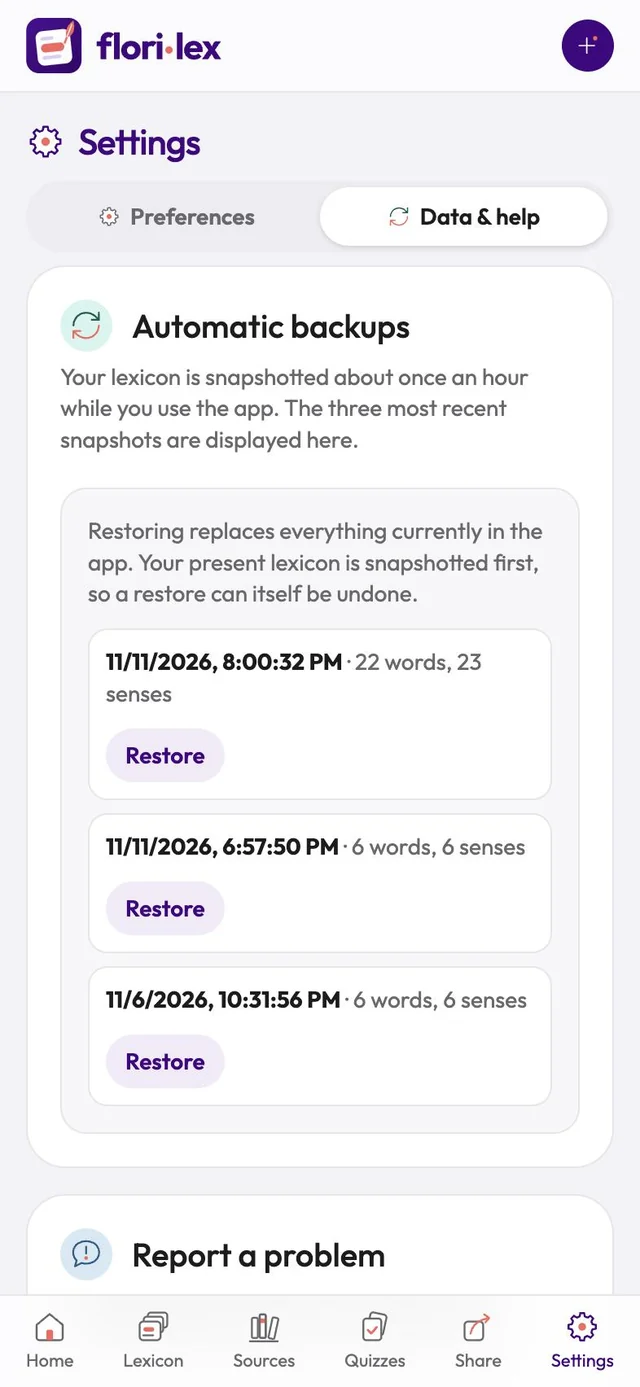
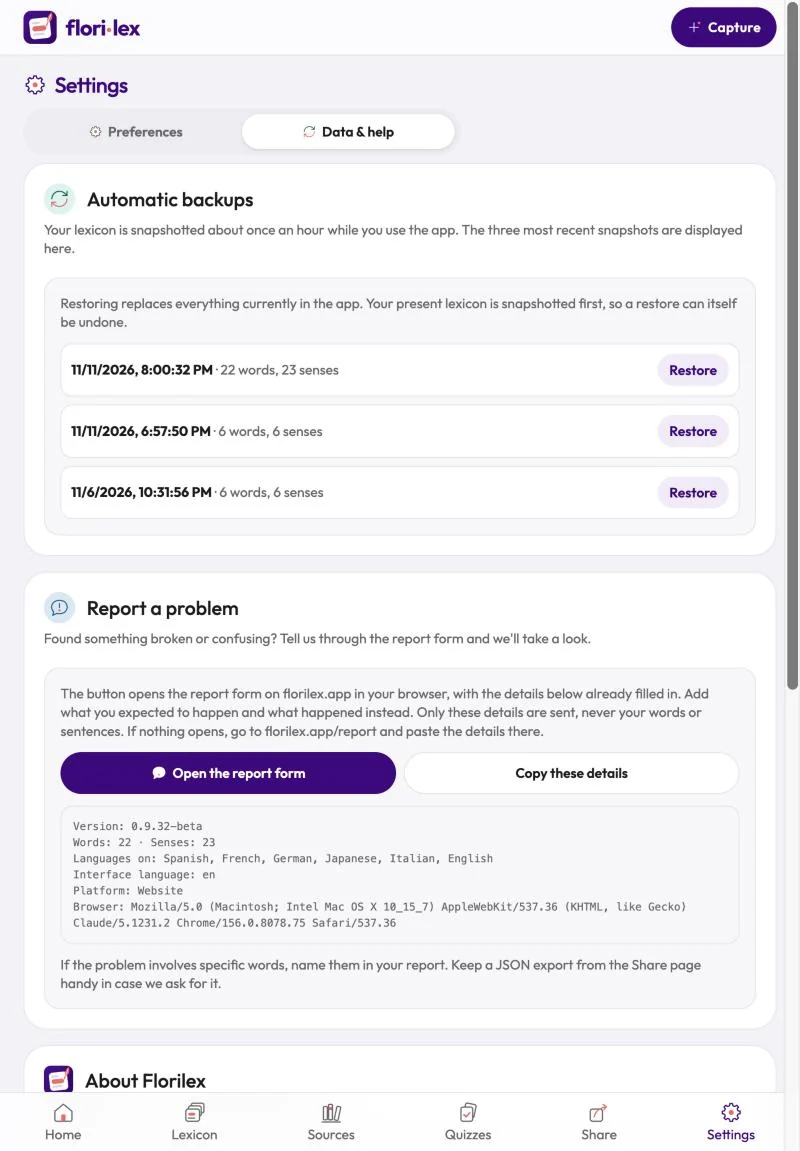
Go to Settings › Data & help:
- Automatic backups: restore one of your three most recent snapshots (see Export and backups).
- Report a problem: tap Open the report form. It opens the form on florilex.app with your app details already filled in; add what you expected to happen and what happened instead. Only those details are sent, never your words or sentences. If nothing opens, tap Copy these details and paste them at florilex.app/report.
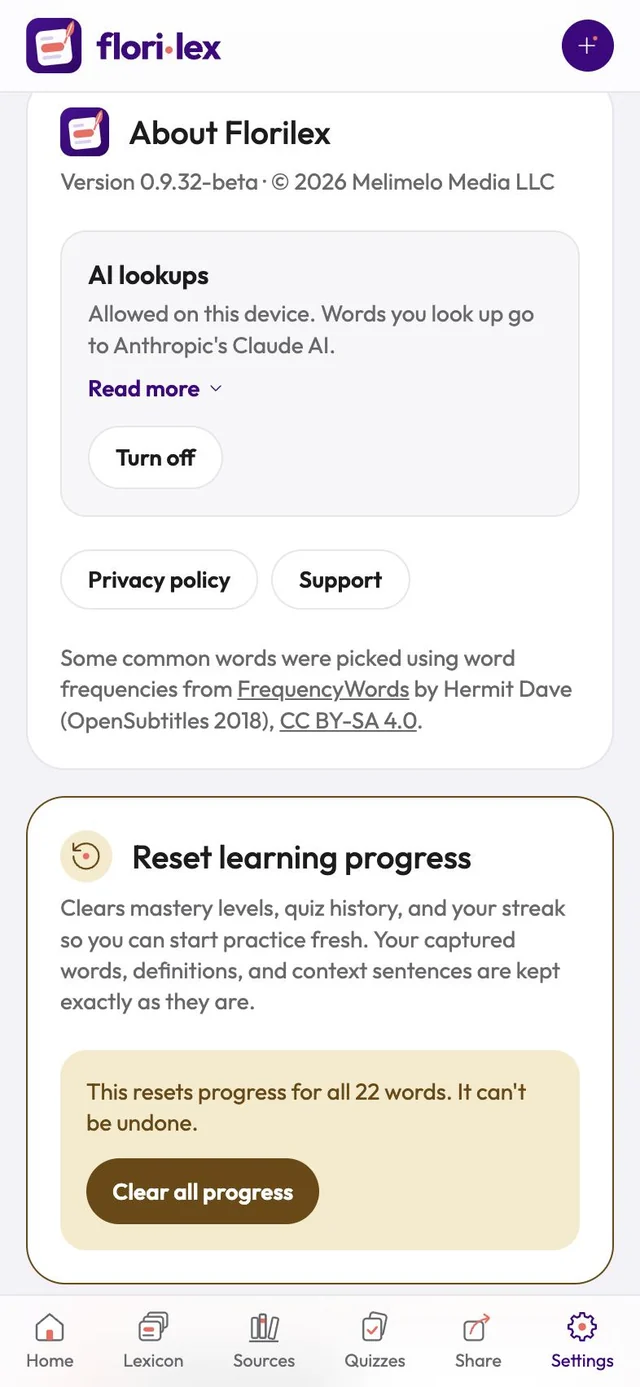
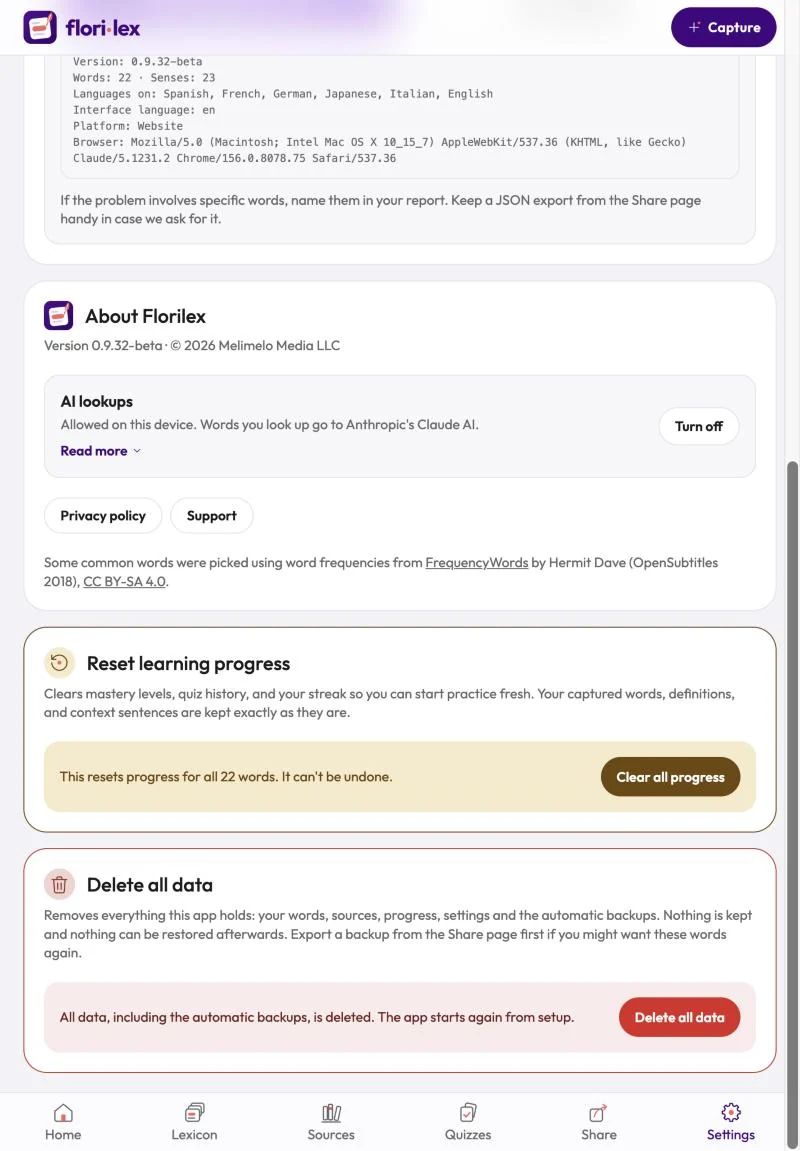
- About Florilex: your app version.
- AI lookups: shows whether lookups are allowed on this device. Tap Turn off to stop them.
- Privacy policy and Support links.