Download your whole lexicon, and rely on automatic backups if something goes wrong.
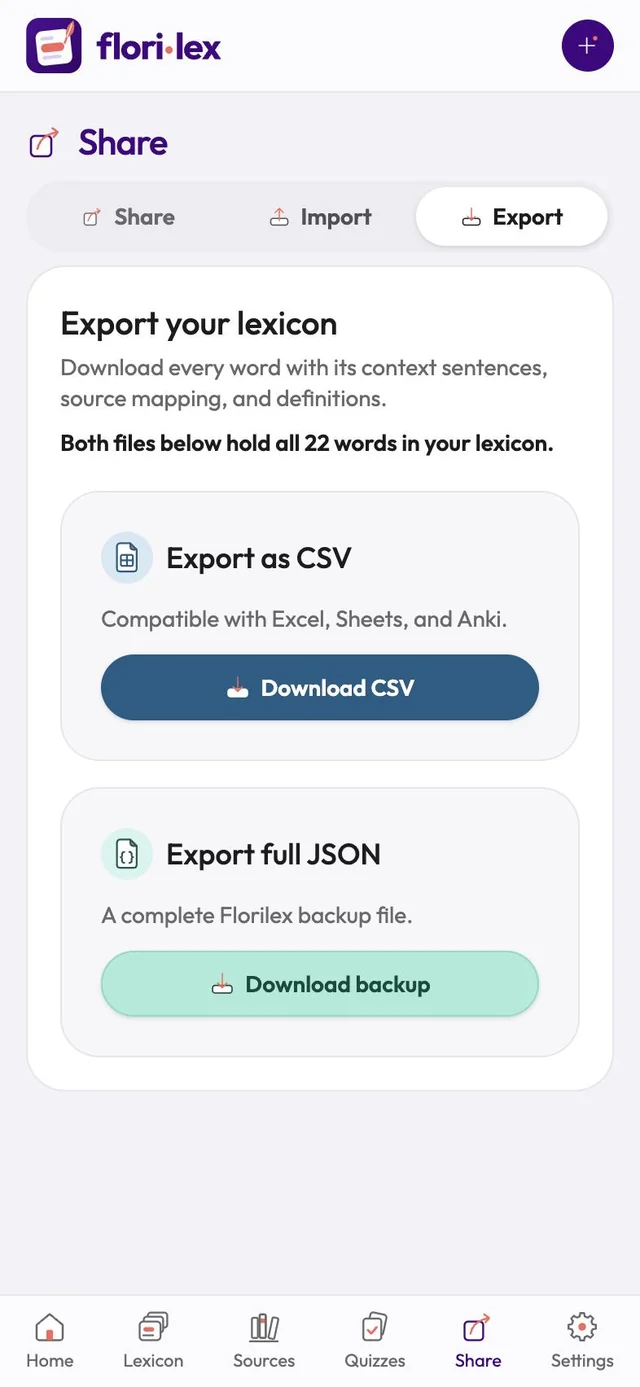
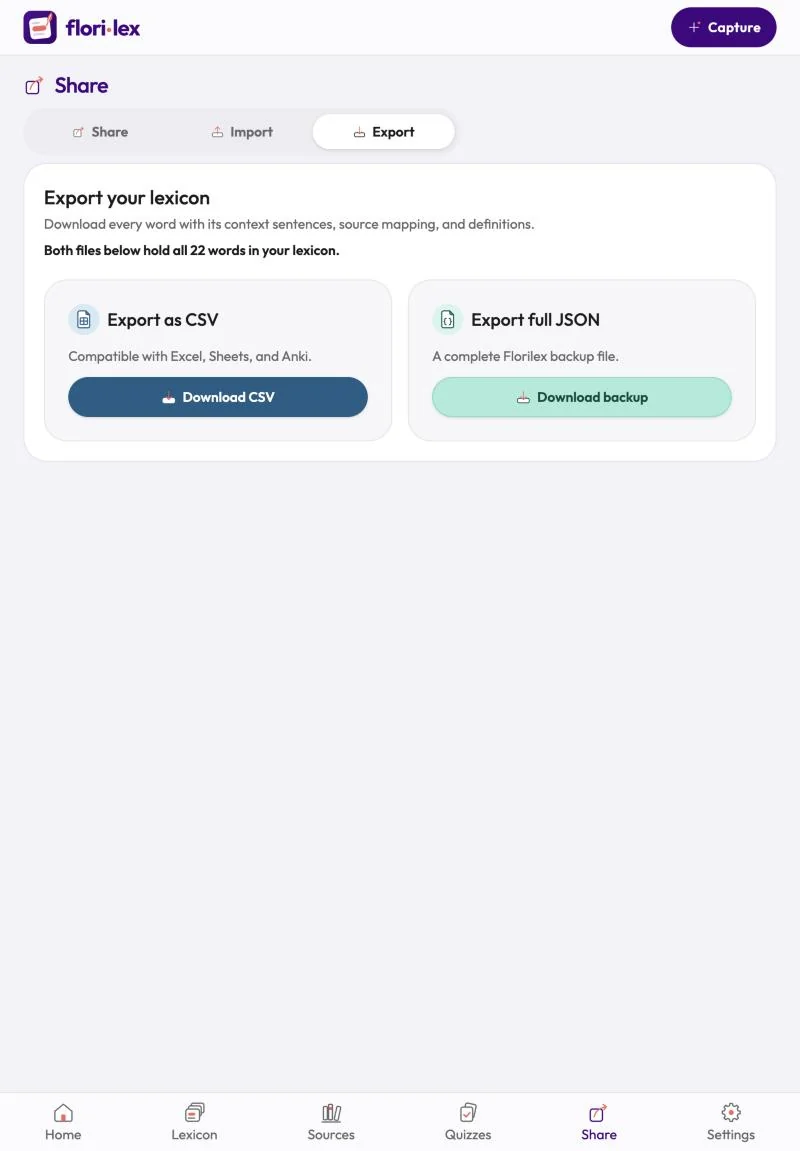
Export: go to Share › Export. Both files hold every word with its sentences, sources and definitions.
- Download CSV to open your words in Excel, Google Sheets or Anki.
- Download backup to save a complete Florilex backup file (JSON) that you can import again later.
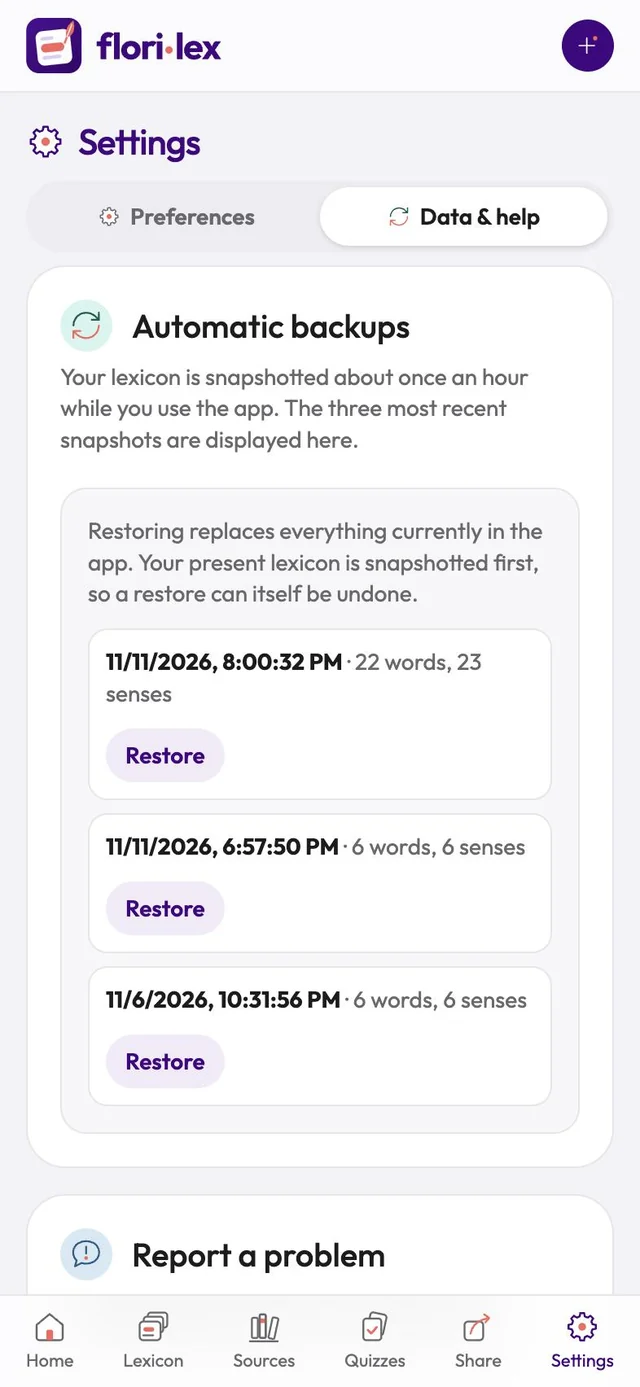
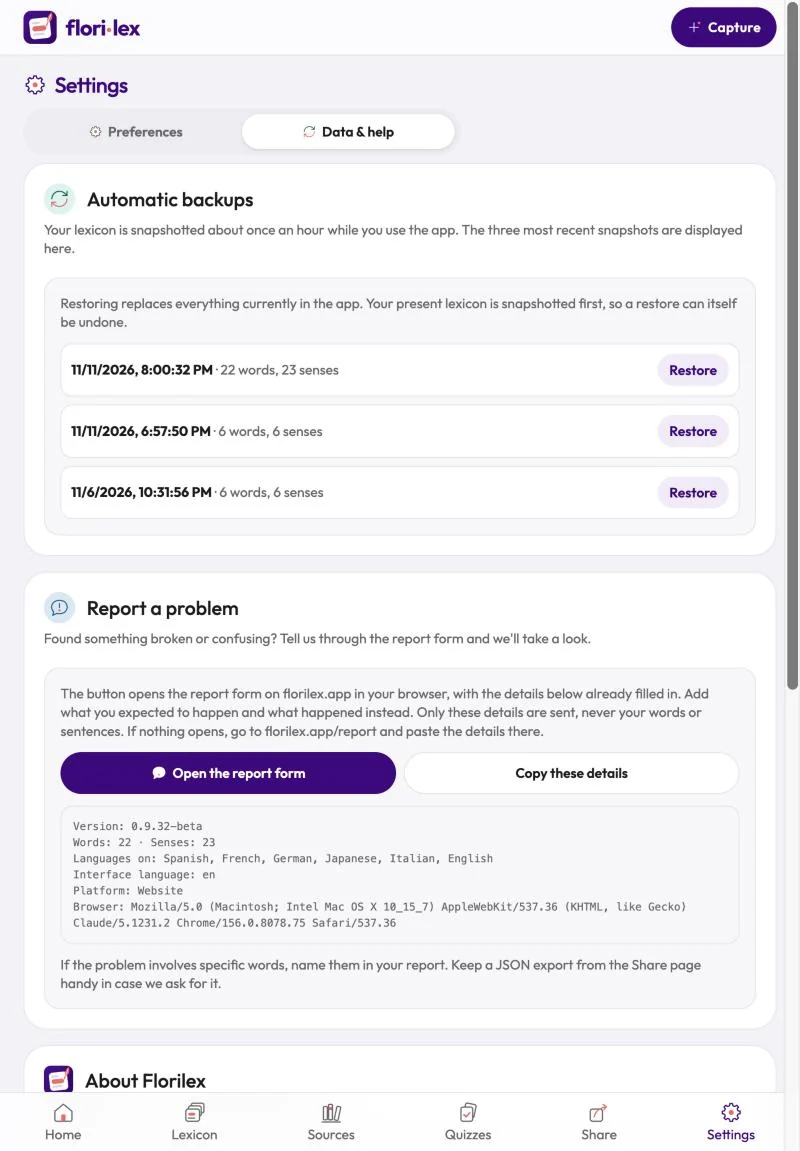
Automatic backups: while you use the app, Florilex saves a snapshot of your lexicon about once an hour. The three most recent snapshots are listed in Settings › Data & help. Tap Restore next to one to go back to it. Your current lexicon is saved first, so a restore can itself be undone.
Backup reminder: your words are kept only on your device, or in your browser if you use the web app. From time to time, the top of the Lexicon reminds you to export a backup. Tap Export a backup to download one now, or Remind me later.