Florilex helps you learn new words in the sentences where you found them.
When you read a word you don’t know, save the sentence, pick the word or expression, and Florilex fills in its meaning, pronunciation and synonyms. You then practice it with short quizzes until it sticks.
Florilex is more than a dictionary lookup. For each word, it gives you:
- a definition of the meaning used in your sentence, not just the first one in the dictionary
- synonyms, which can be translated too
- pronunciation and IPA
- one extra example sentence written by AI, which the quizzes use alongside yours
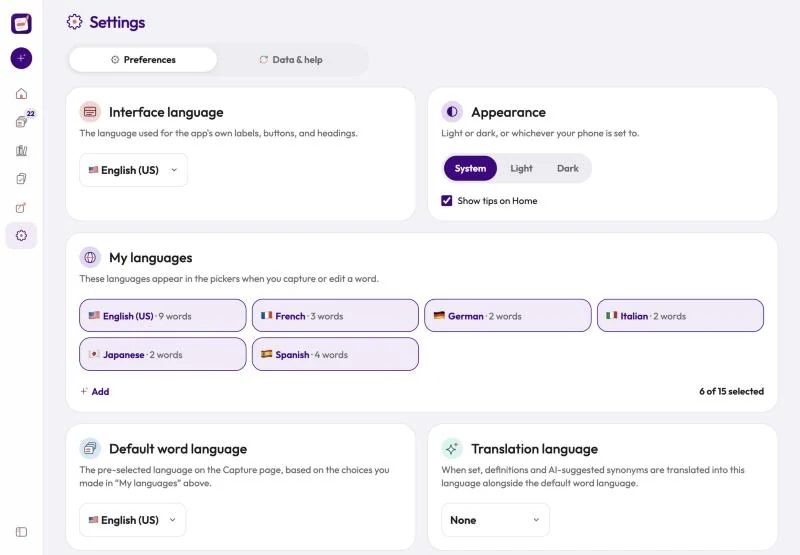
It works in 15 languages: Chinese, Dutch, English (UK), English (US), French, German, Italian, Japanese, Korean, Polish, Portuguese, Russian, Spanish, Swedish and Turkish. Definitions come in the word’s own language, and you can add a translation into your language.
The name comes from florilegium, Latin for “flower-gathering”: a collection of the best lines from one’s reading.
Where you can use it: on iPhone and iPad, and in any web browser at app.florilex.app. On Android, open app.florilex.app in Chrome and choose Add to Home screen (or Install app) from the menu.
Getting around:
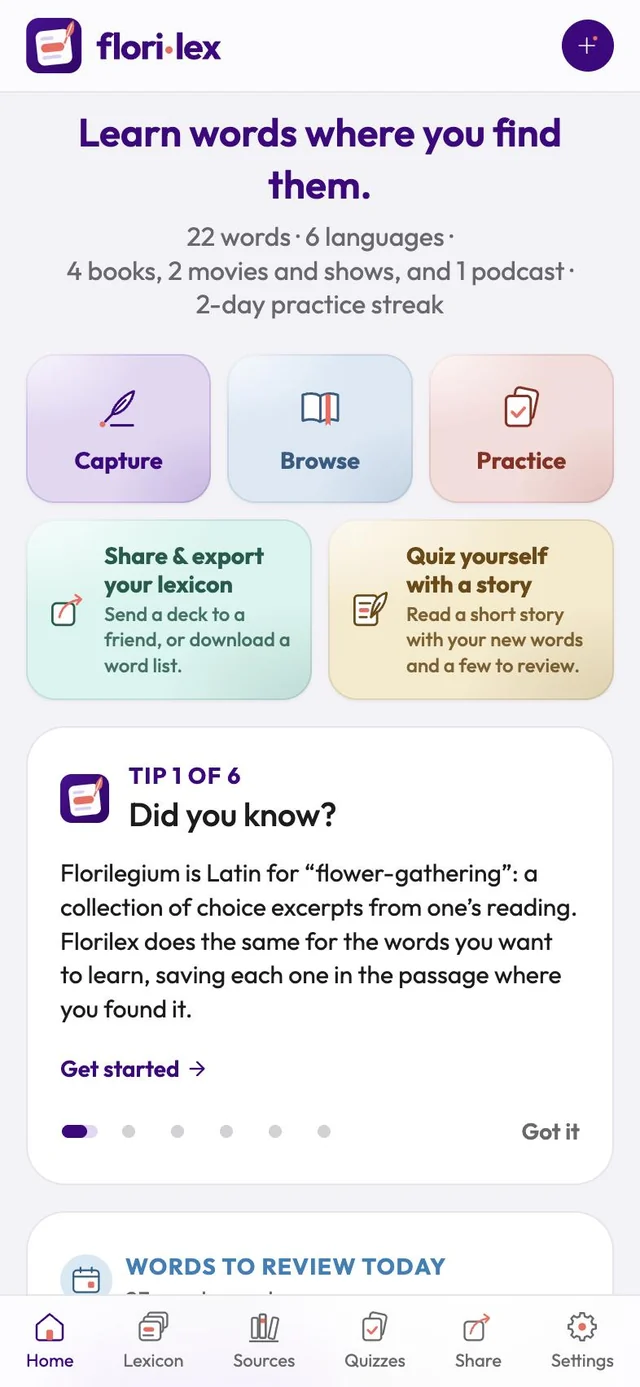
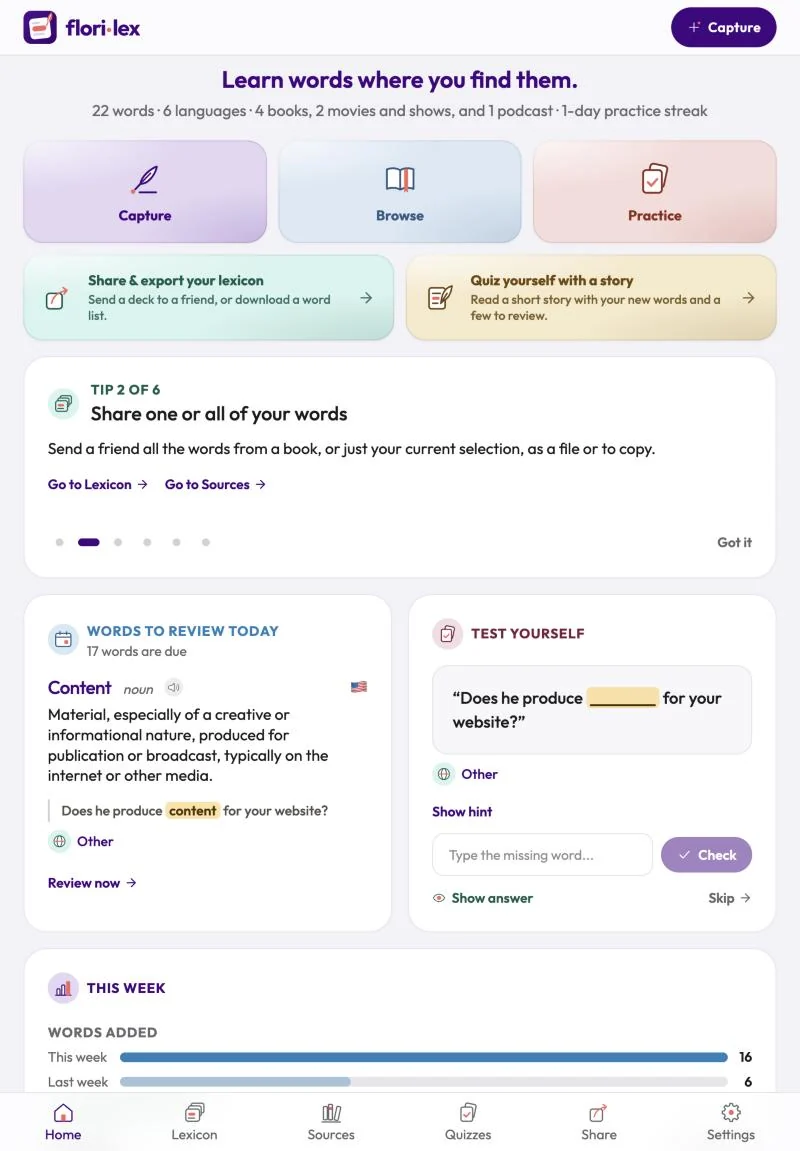
- Capture a new word with the + button at the top right on iPhone, or the Capture button on iPad and computers.
- On iPhone and iPad held upright, the bar at the bottom of the screen takes you to Home, Lexicon, Sources, Quizzes, Share and Settings.
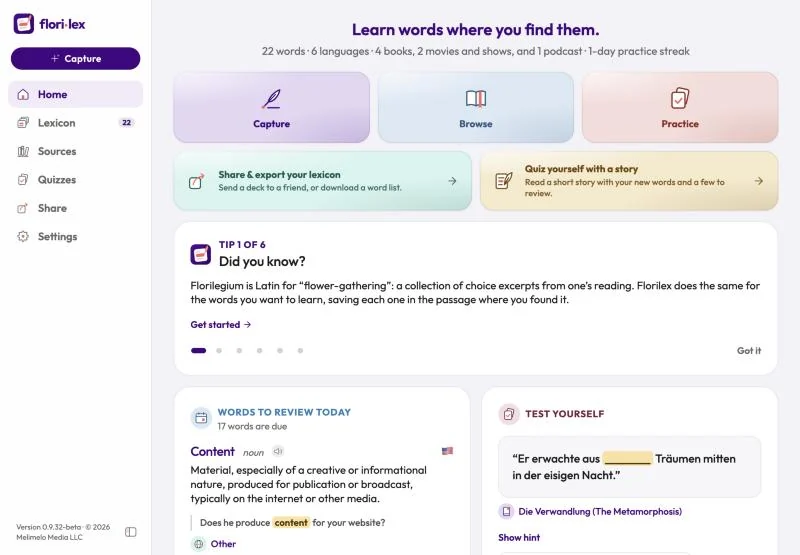
- On iPad held sideways and on computers, the same pages are in a side menu on the left, with Capture at the top. To make more room, tap the button at the bottom of the menu to shrink it to icons, and tap it again to bring it back.
- You can also tap the Florilex logo at the top left to go back to Home.