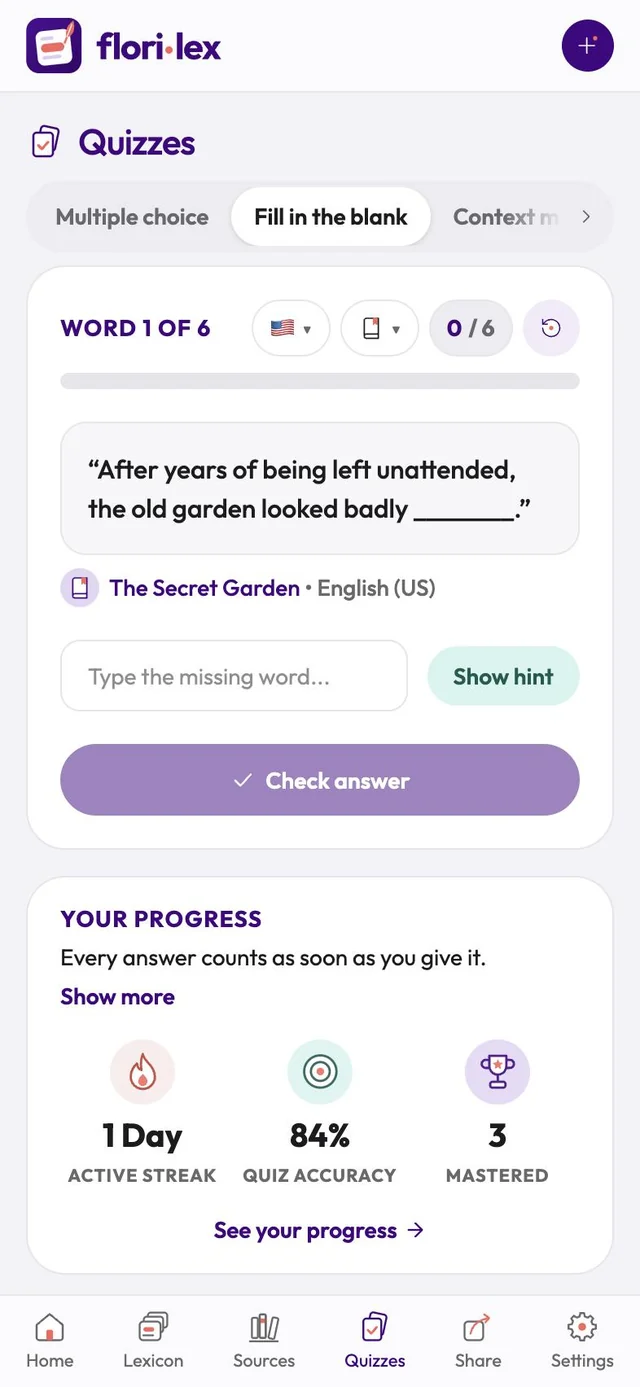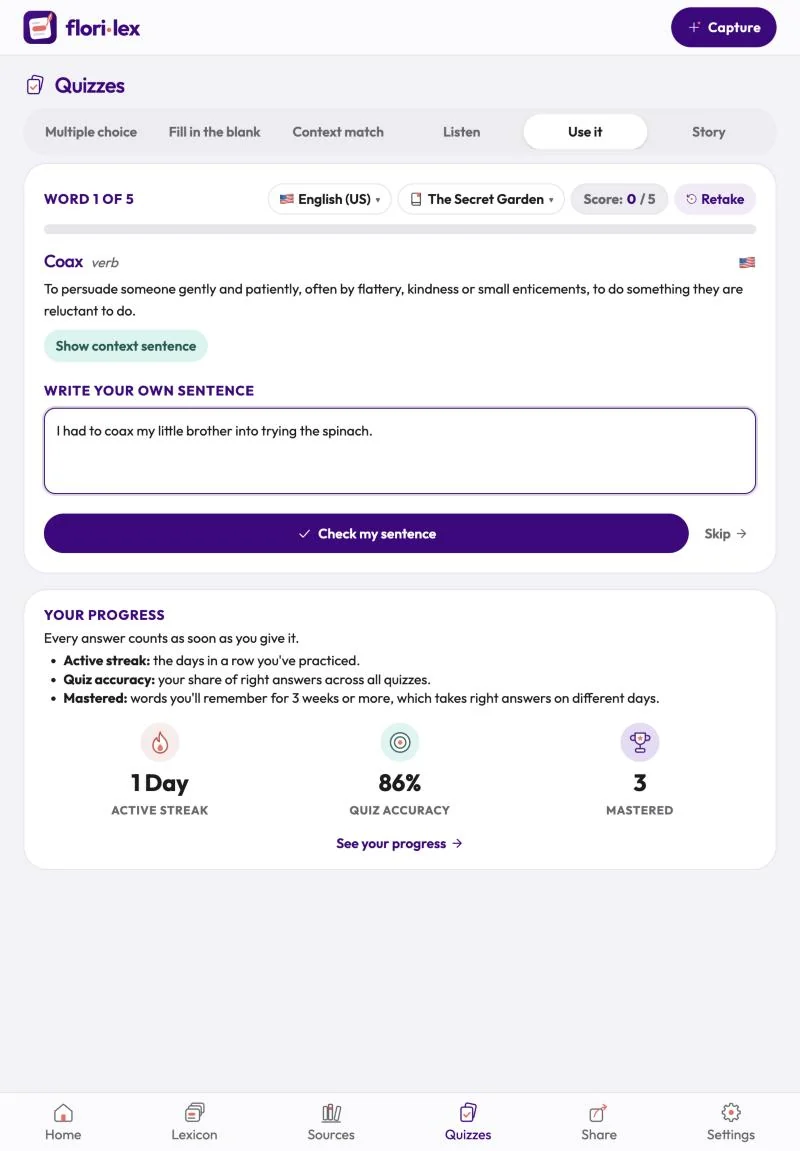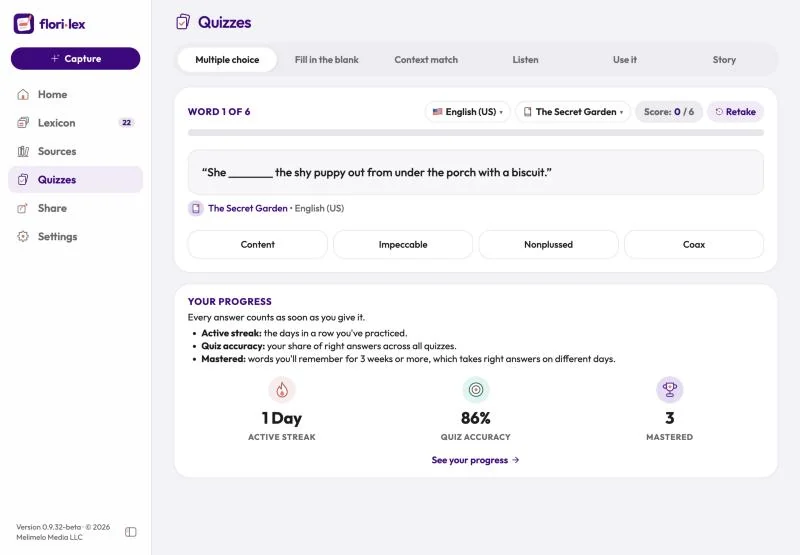
Quizzes test your words in six different ways, always using your own sentences.
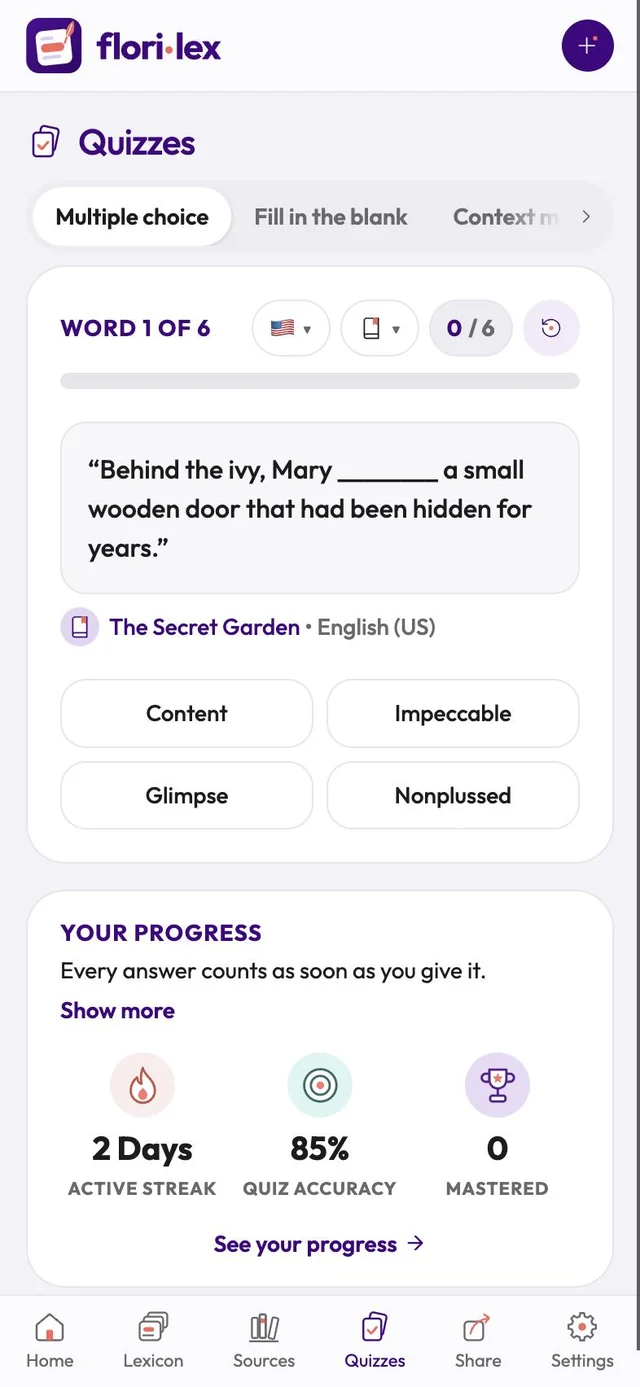
Tap Quizzes in the bottom bar and choose a type from the row at the top. On iPhone, swipe the row sideways to see all six. Quizzes use words in all your languages; to practice one language, or only words from one source, use the two small menus at the top of the quiz (a globe for language, a book for source).
| Quiz | What you do |
|---|---|
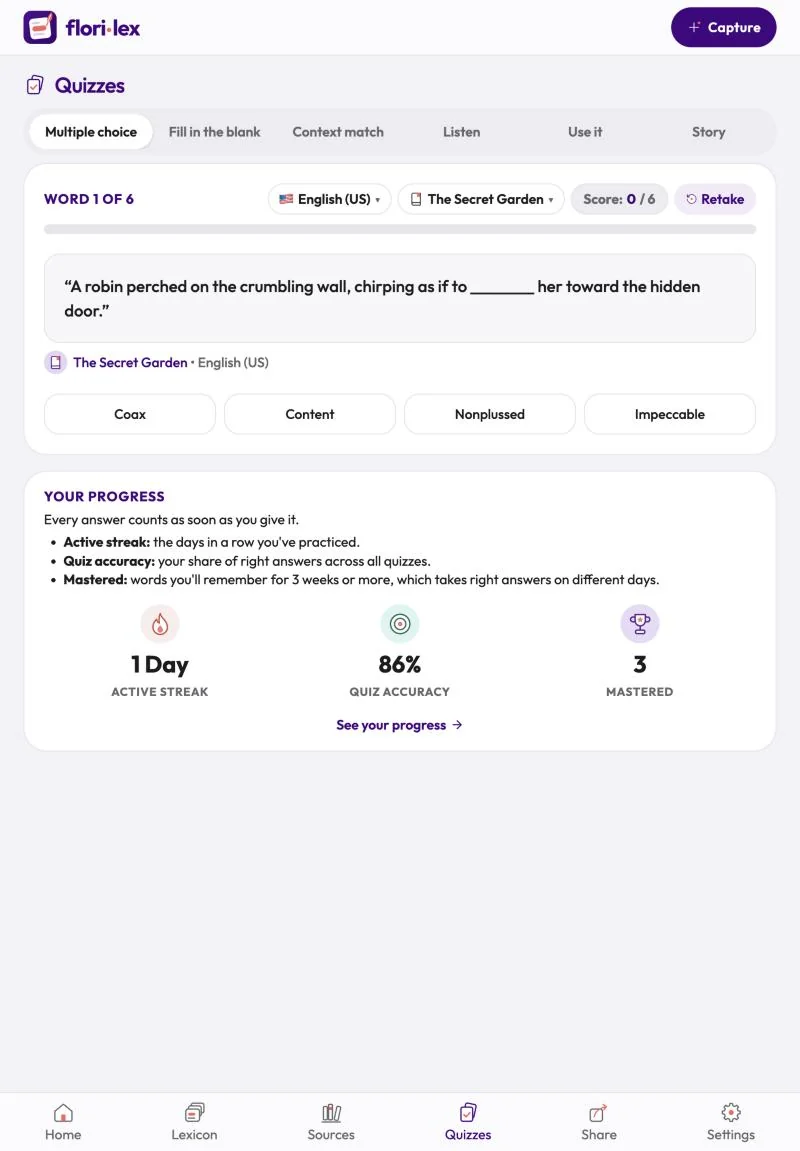
| Multiple choice | Pick the word that fits the gap in the sentence from four choices. |
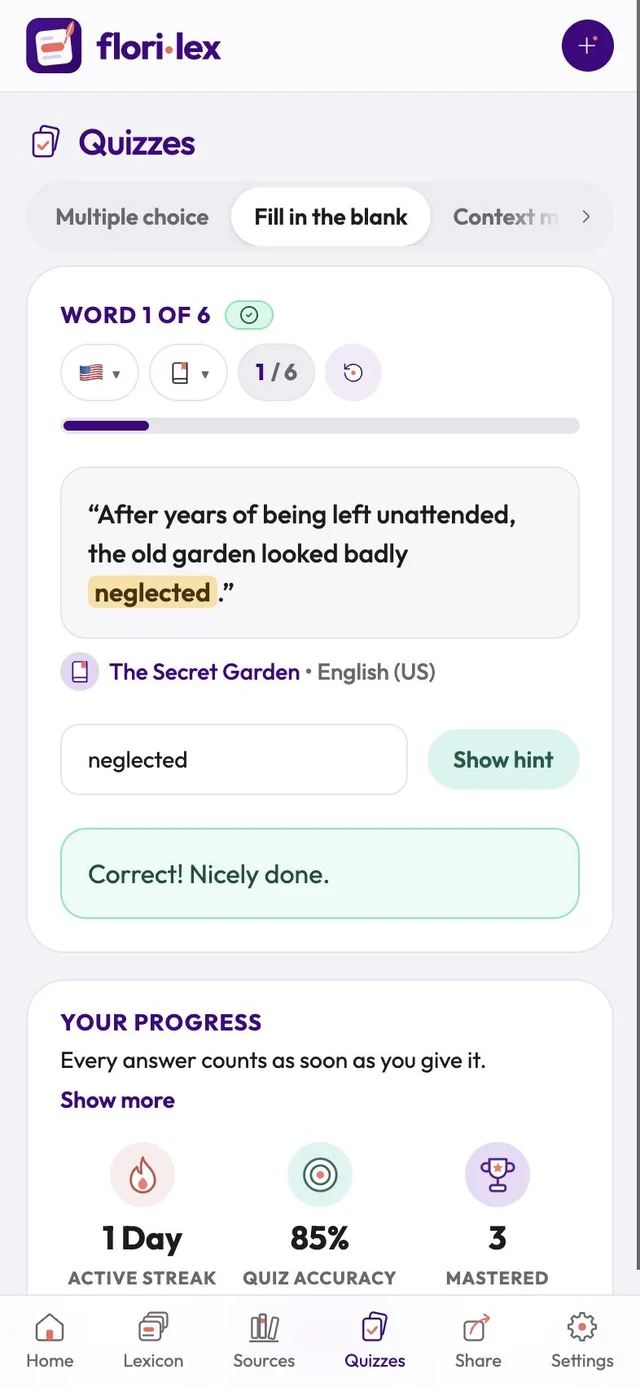
| Fill in the blank | Type the missing word. Tap Show hint if you’re stuck, then Check answer. |
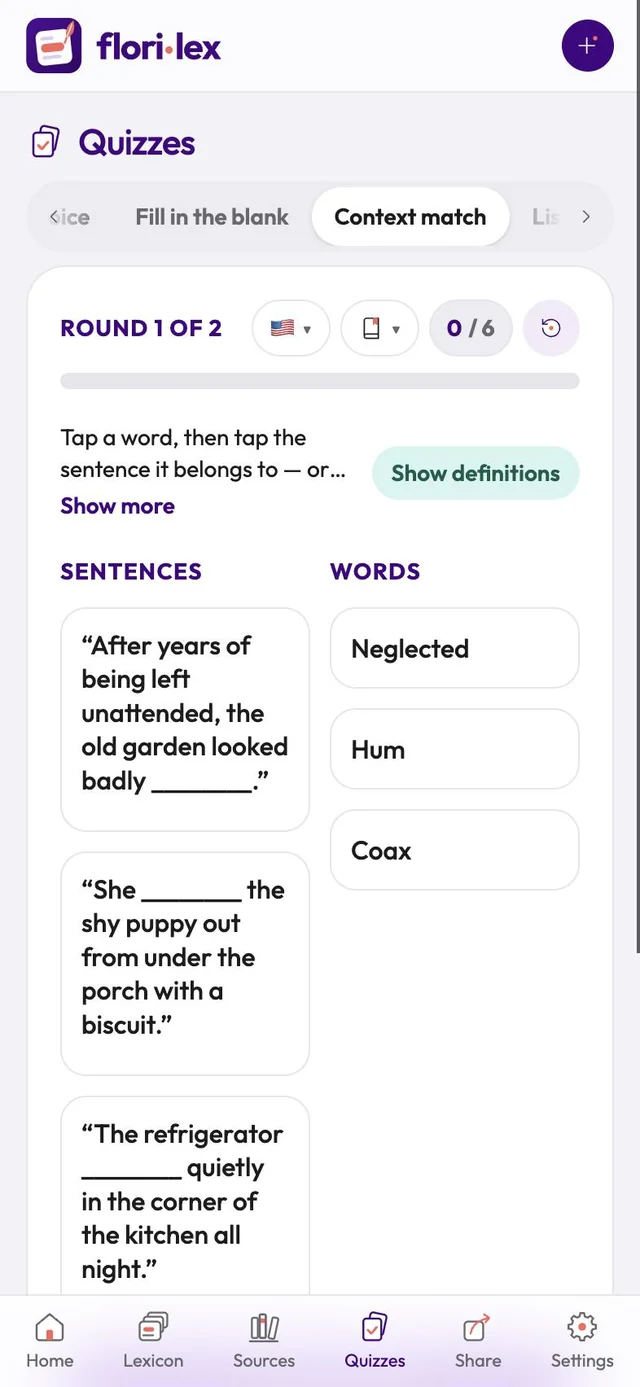
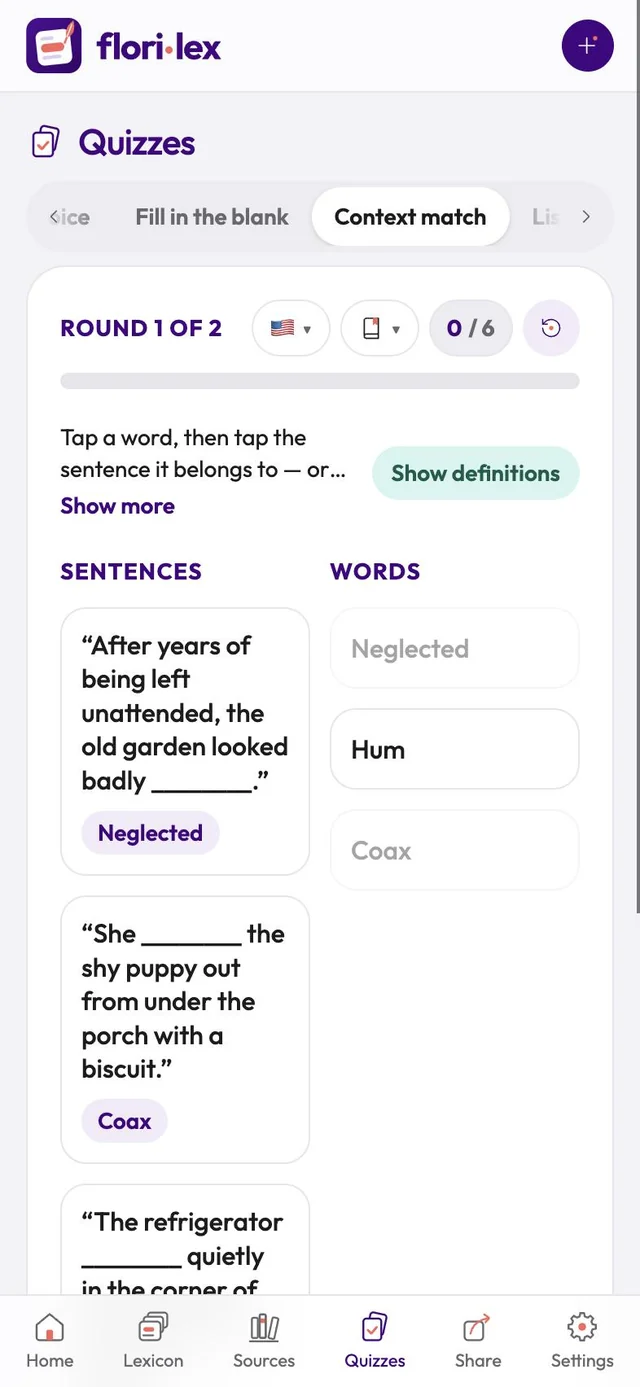
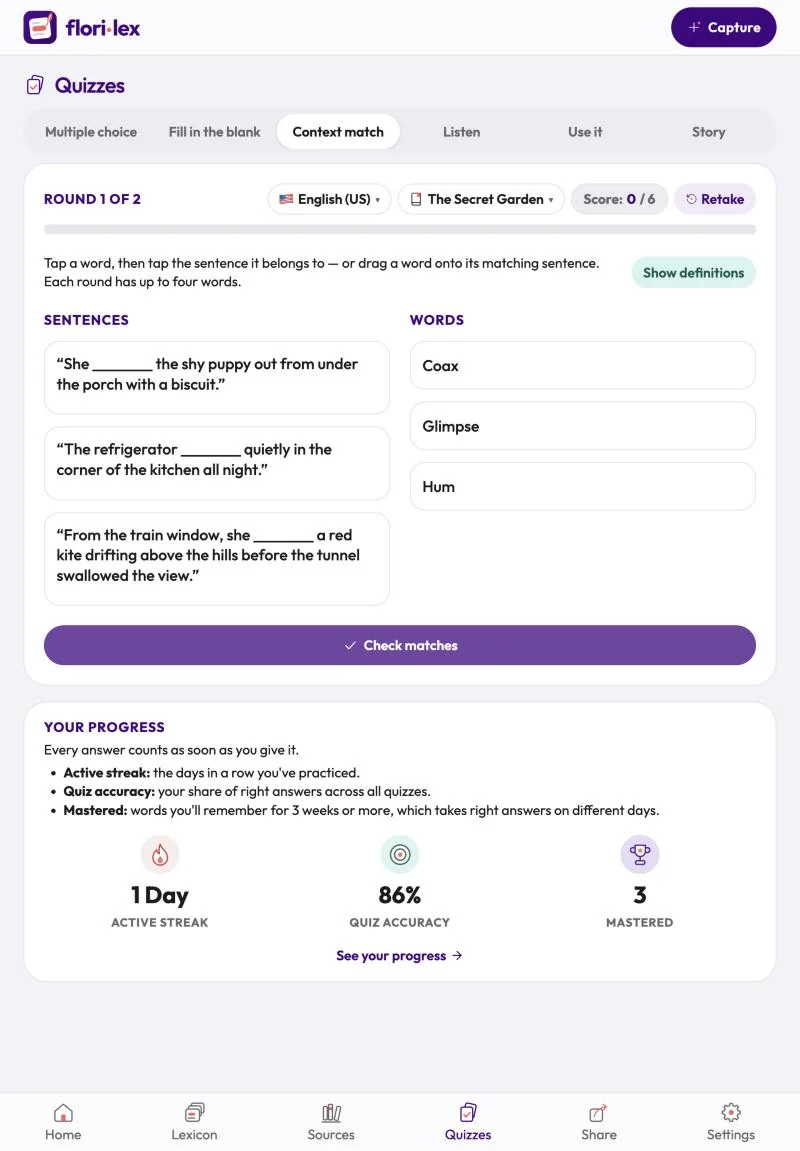
| Context match | Match words to their sentences: tap a word, then its sentence, or drag the word onto it. Each round has up to four words. Tap Show definitions for help, then Check matches. |
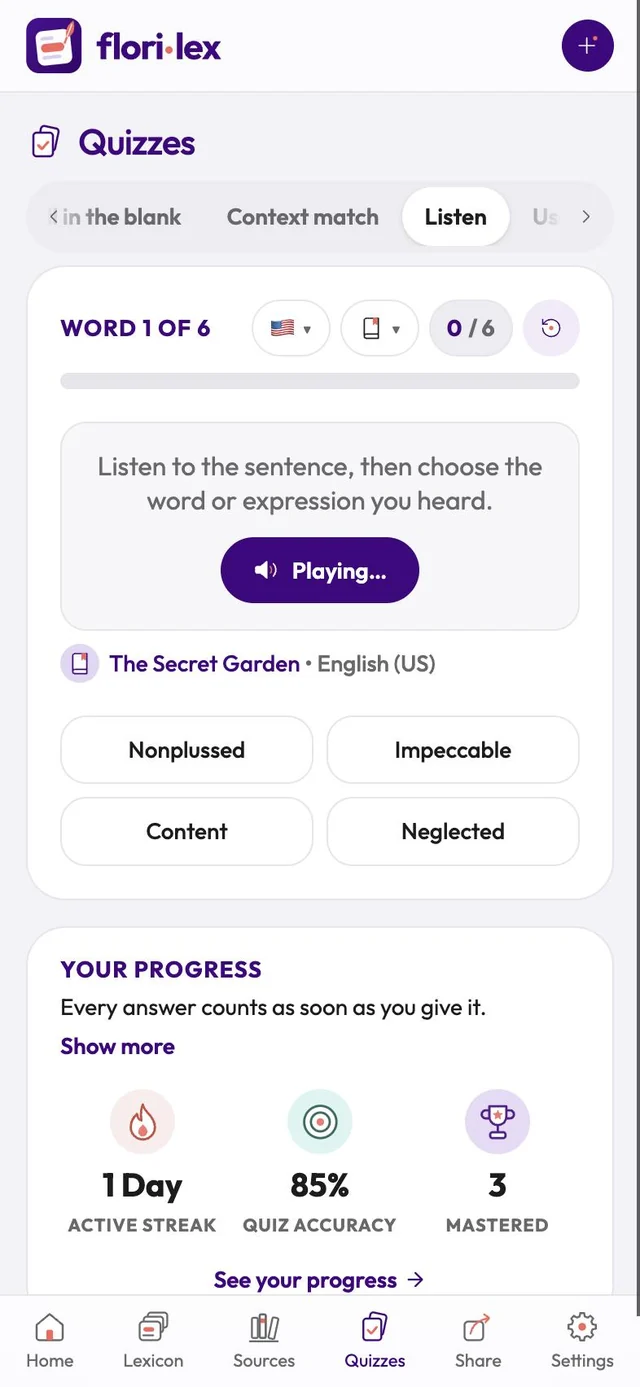
| Listen | Listen to a sentence read aloud, then choose the word or expression you heard. |
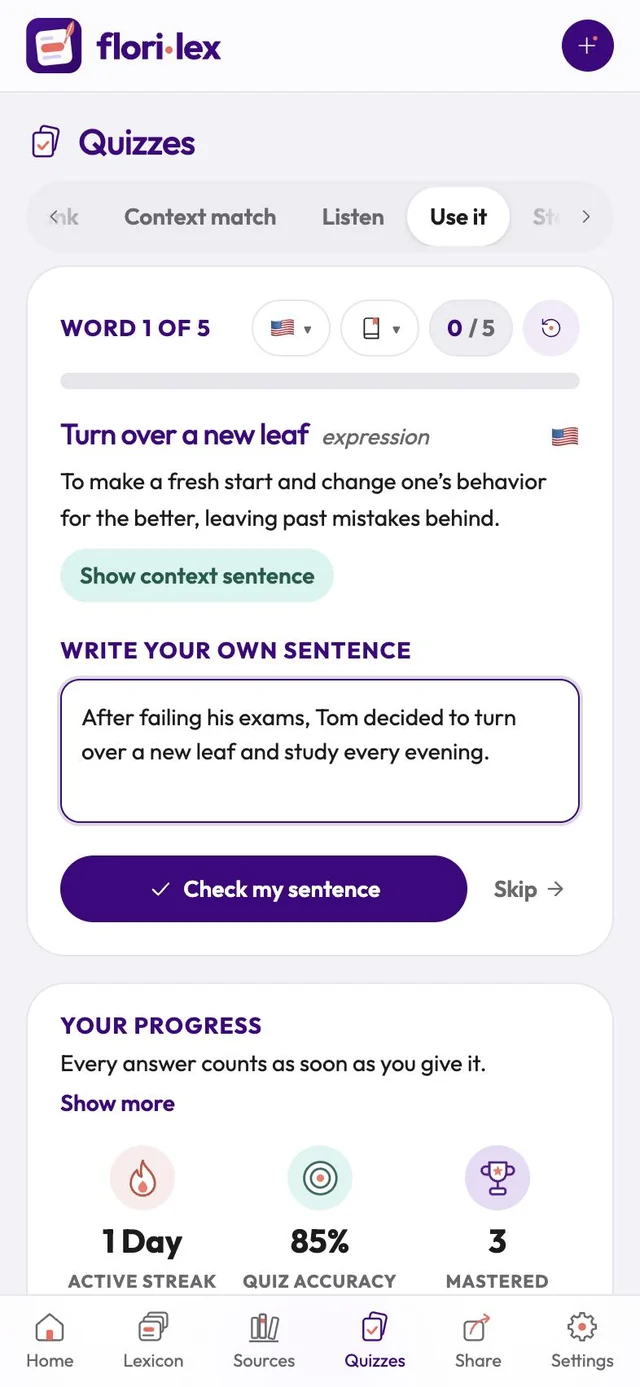
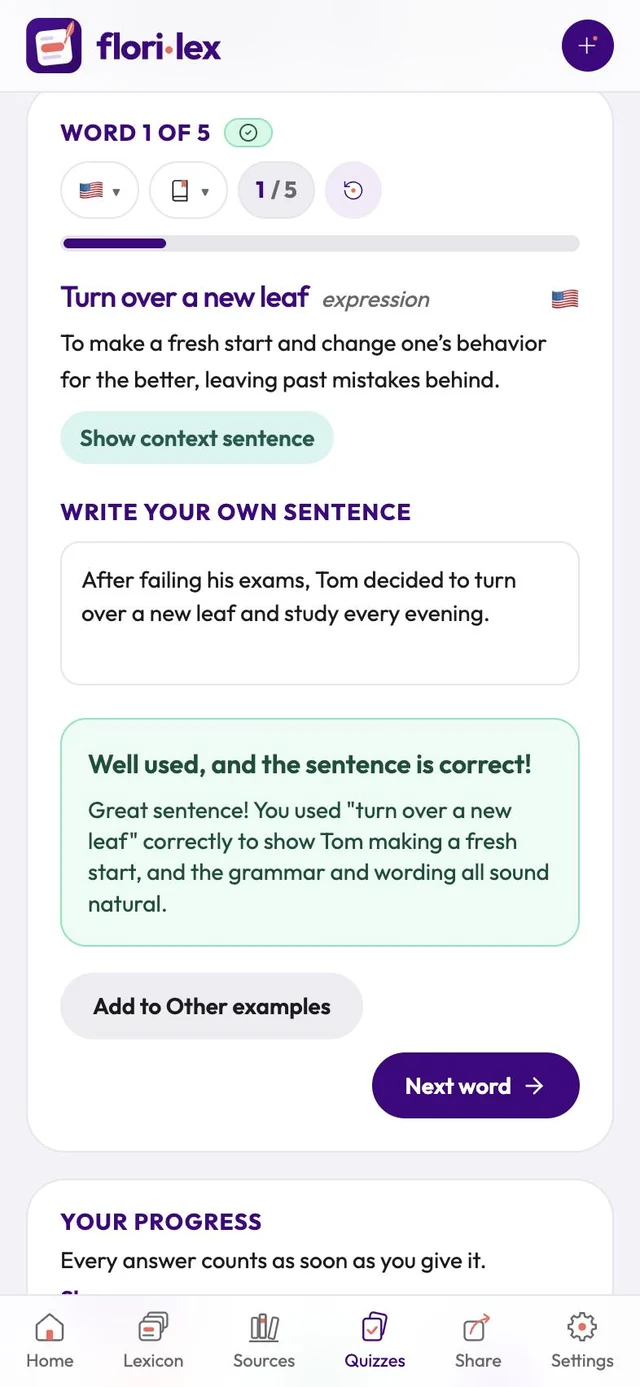
| Use it | Write your own sentence with the word, then tap Check my sentence. Florilex tells you whether you used it correctly and suggests a natural alternative. Tap Add to Other examples to keep your sentence as another example for the word. This button appears only when your sentence is correct. |
| Story | Read a short story written with your words, then answer questions about it (see Story quizzes). |
During a quiz:
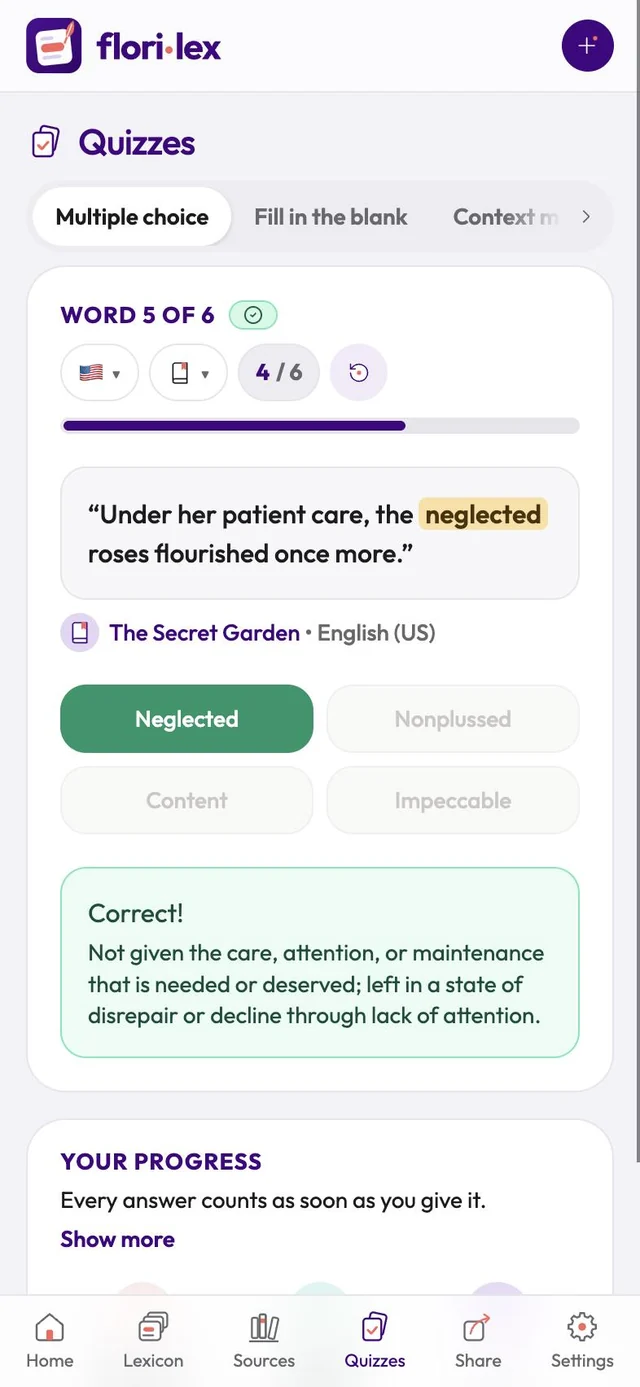
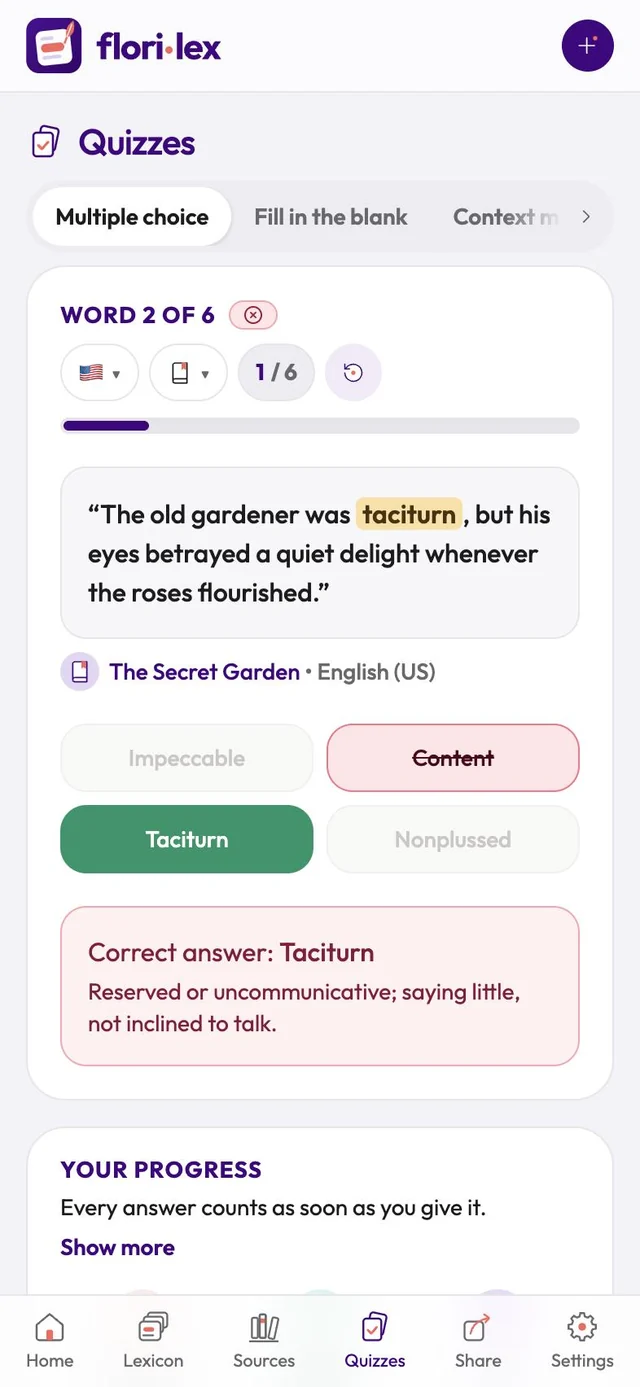
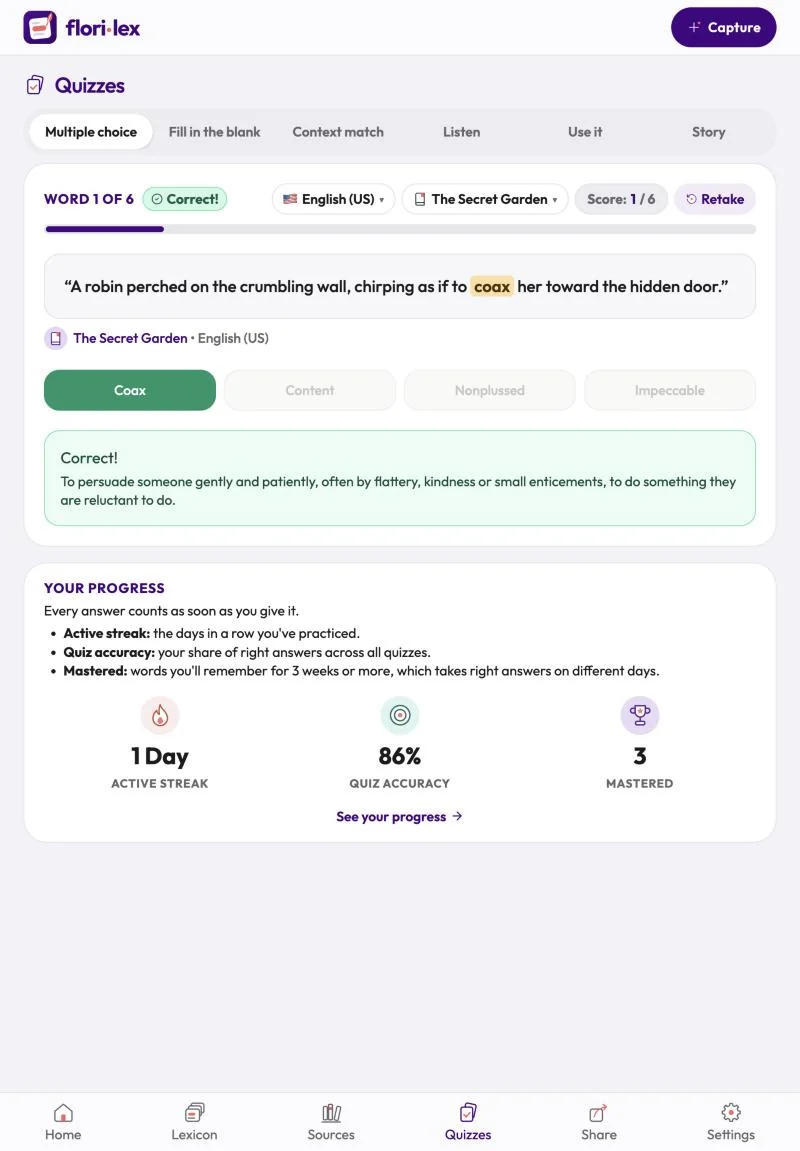
- After each answer, Florilex shows Correct! or the right answer, with the definition. If the word appears in a different form, it shows that too, for example Hum → hummed.
- The top of the quiz shows your position (Word 2 of 6), the language and source menus, and your score. Tap Retake to start again.
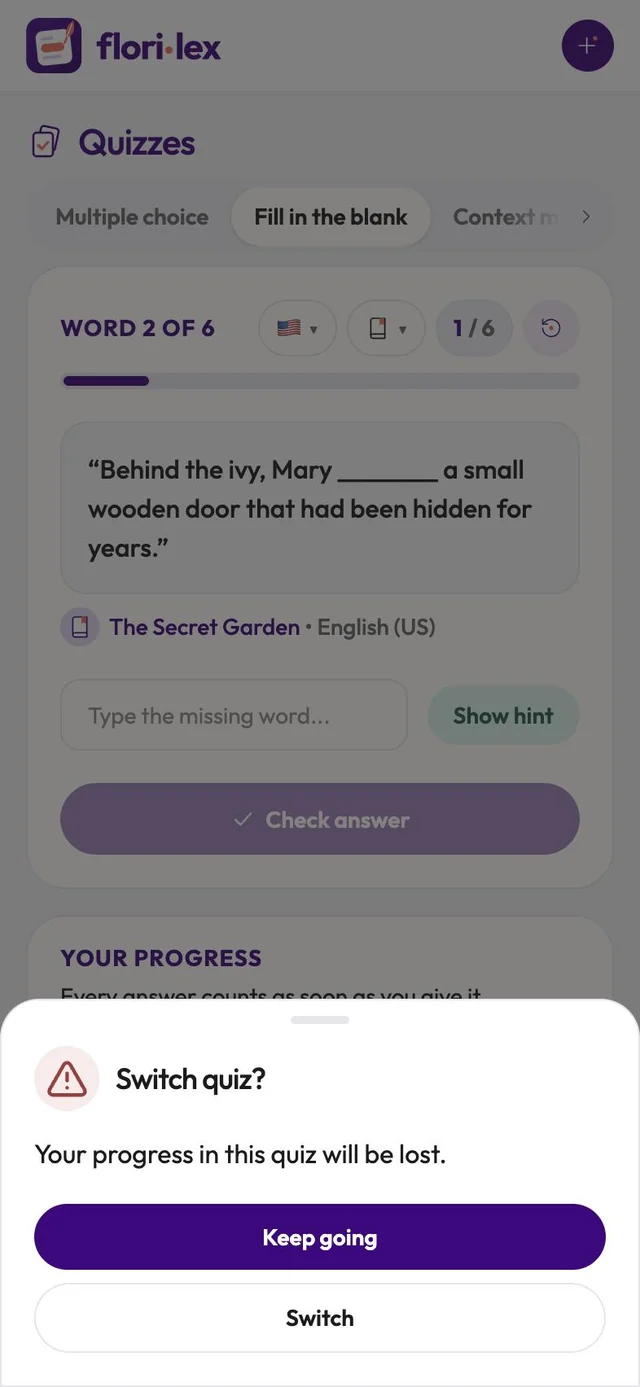
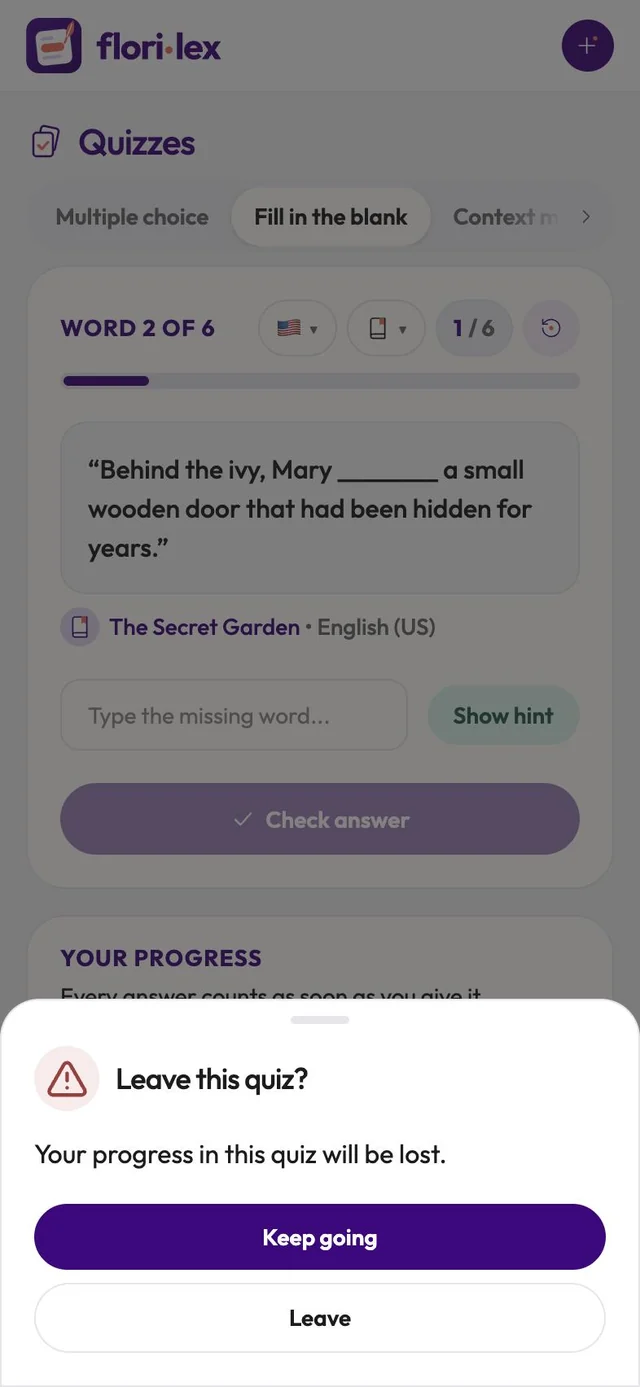
- If you switch quiz type or leave the page partway through, Florilex asks you to confirm, because your progress in that quiz will be lost.
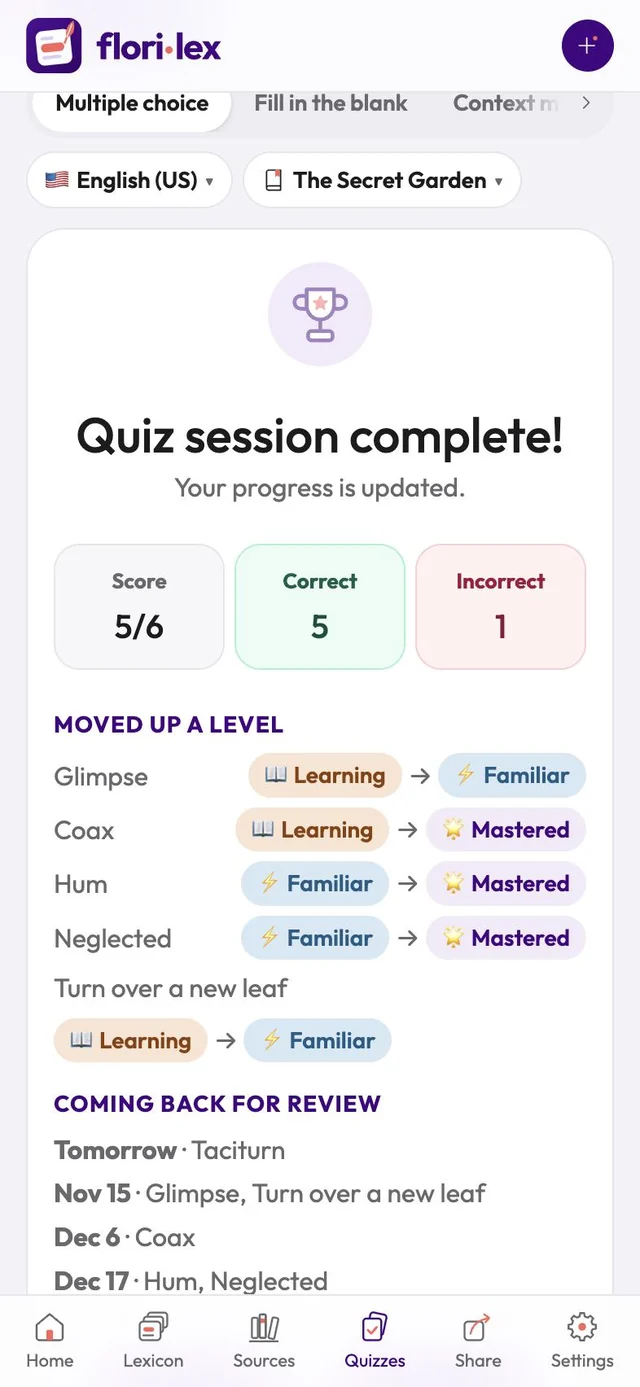
At the end, Quiz session complete! shows your score, the words that moved up a level, and when each word is coming back for review. Tap Take another quiz or See your progress.