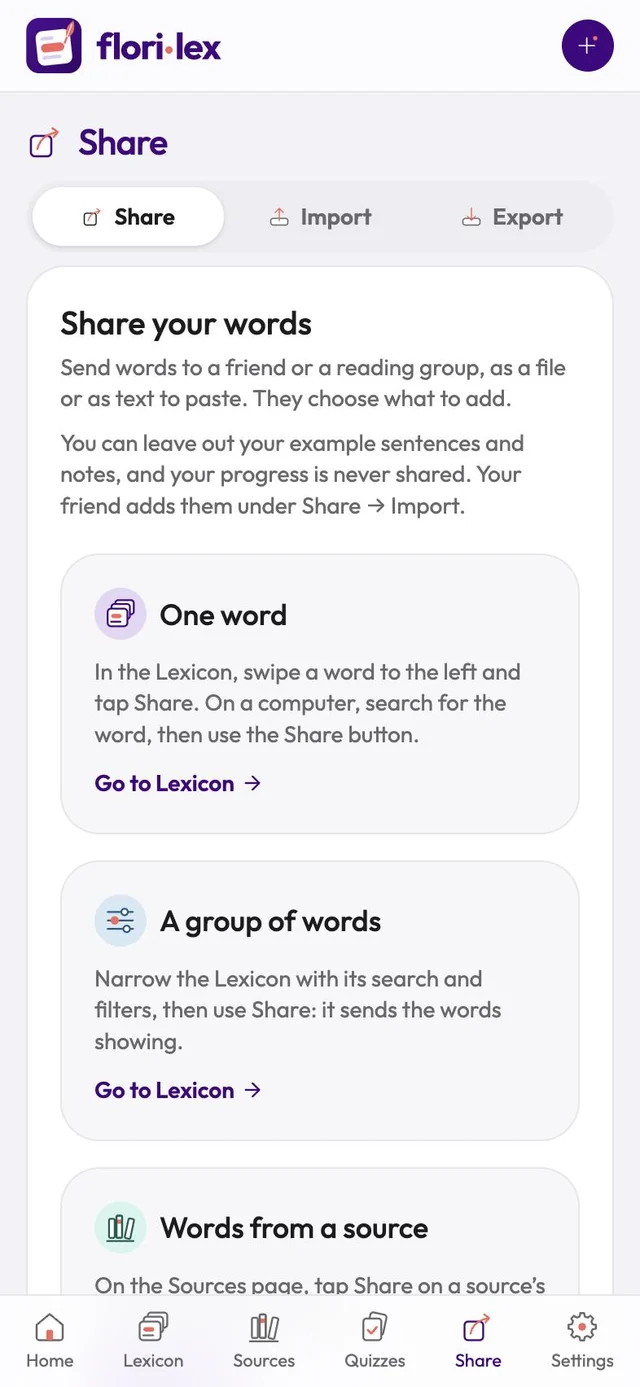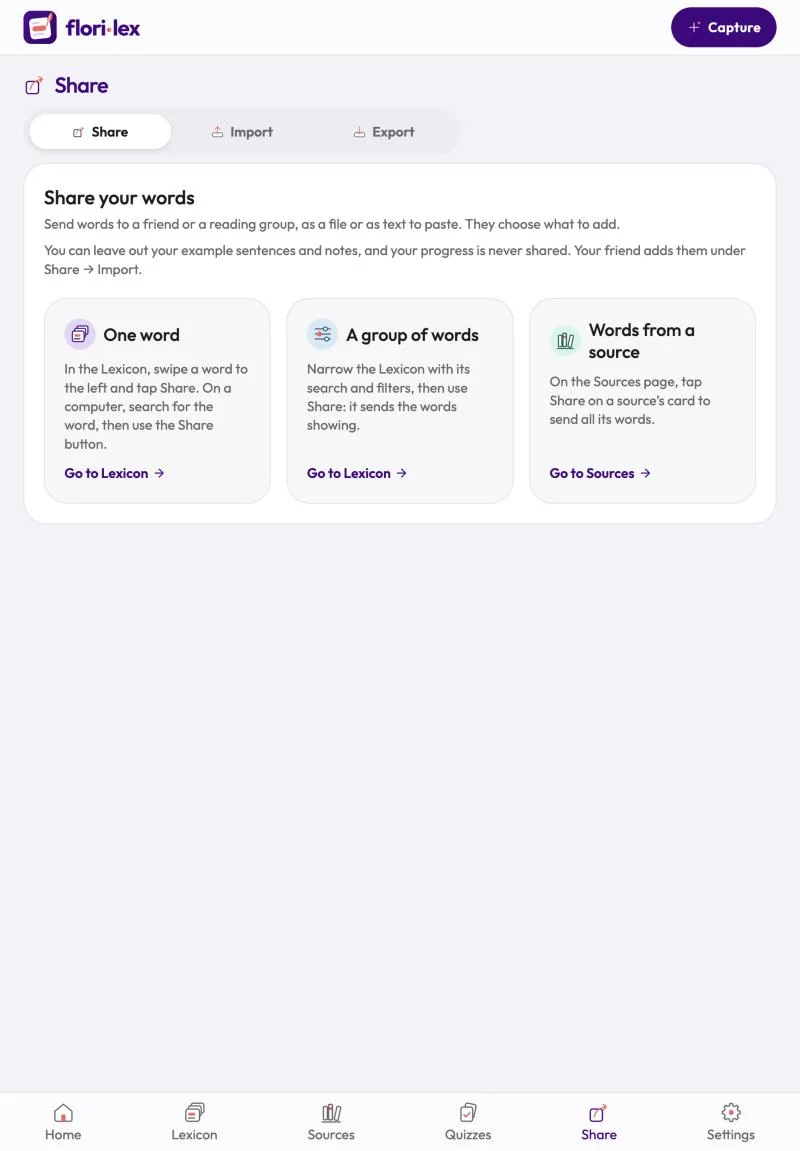
Send words to a friend or a reading group as a file or as text to paste, and they choose which ones to add.
- One or a few words: in the Lexicon, tap Select, tap the words, then Share. On iPhone and iPad you can also swipe a word to the left and tap Share.
- A group of words: narrow the Lexicon with its search and filters, then tap Share. It sends the words currently showing.
- All words from a source: on the Sources page, tap Share on the source’s card. To send several sources together, tap Select, tap the sources, then Share.
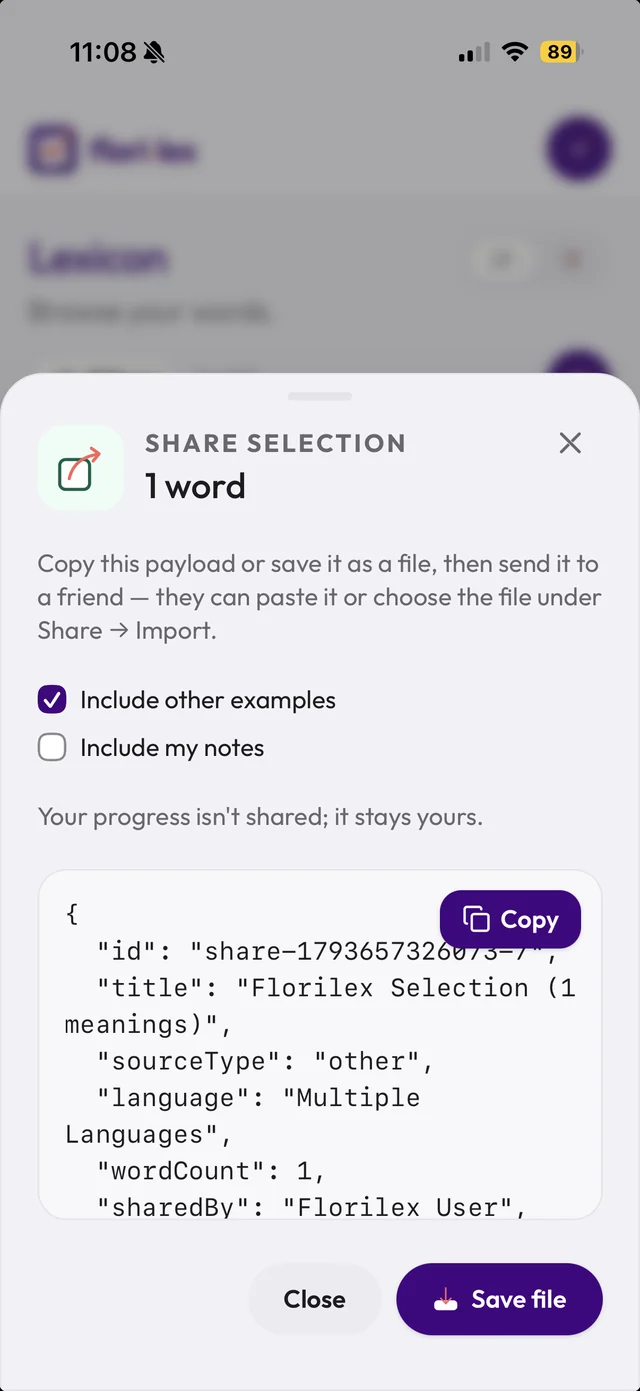
Share selection then opens, showing how many words you’re sending:
- Choose what to include: tick Include other examples and Include my notes, or leave them out. Your progress is never shared.
- Tap Copy to copy the list as text, or Save file to save it as a file.
- Send it to your friend however you like. They add the words under Share › Import, by pasting the text or choosing the file.