Show each definition and its synonyms in your own language as well, for words in any of the 15 languages.
- For all new words: go to Settings › Preferences › Translation language and pick your language.
- For one word: change Translation on the Capture page. This affects only that word.
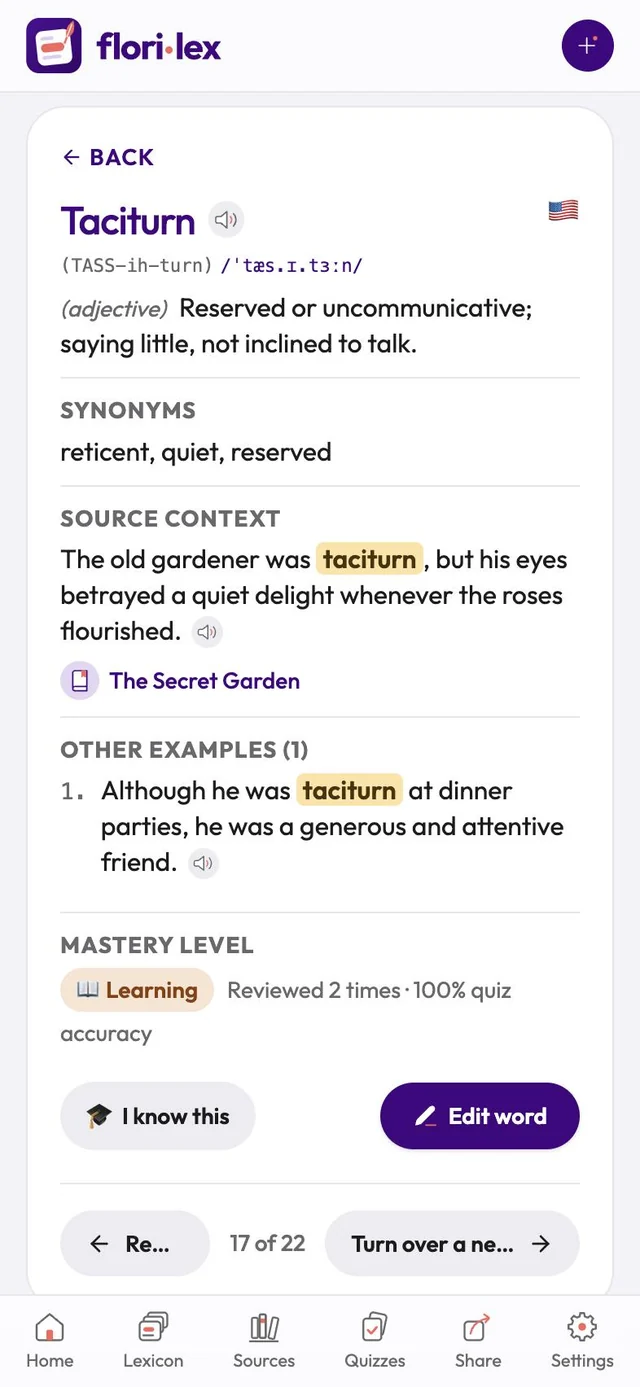
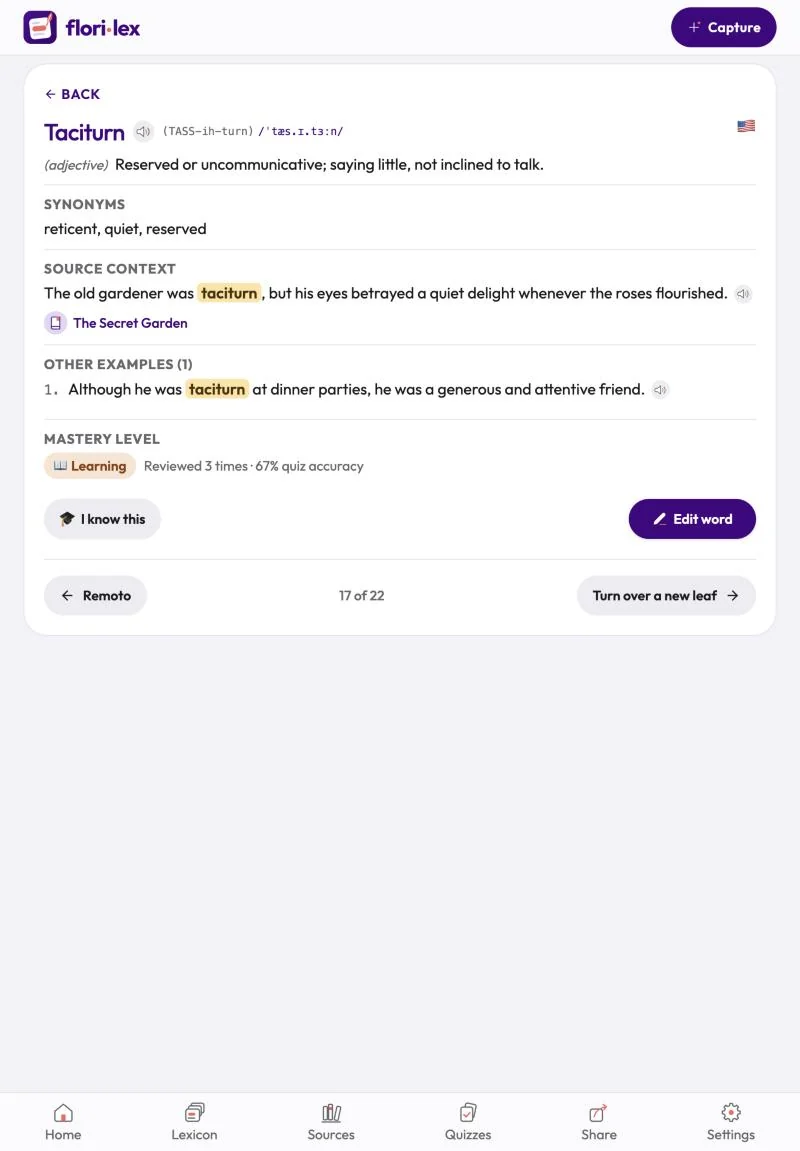
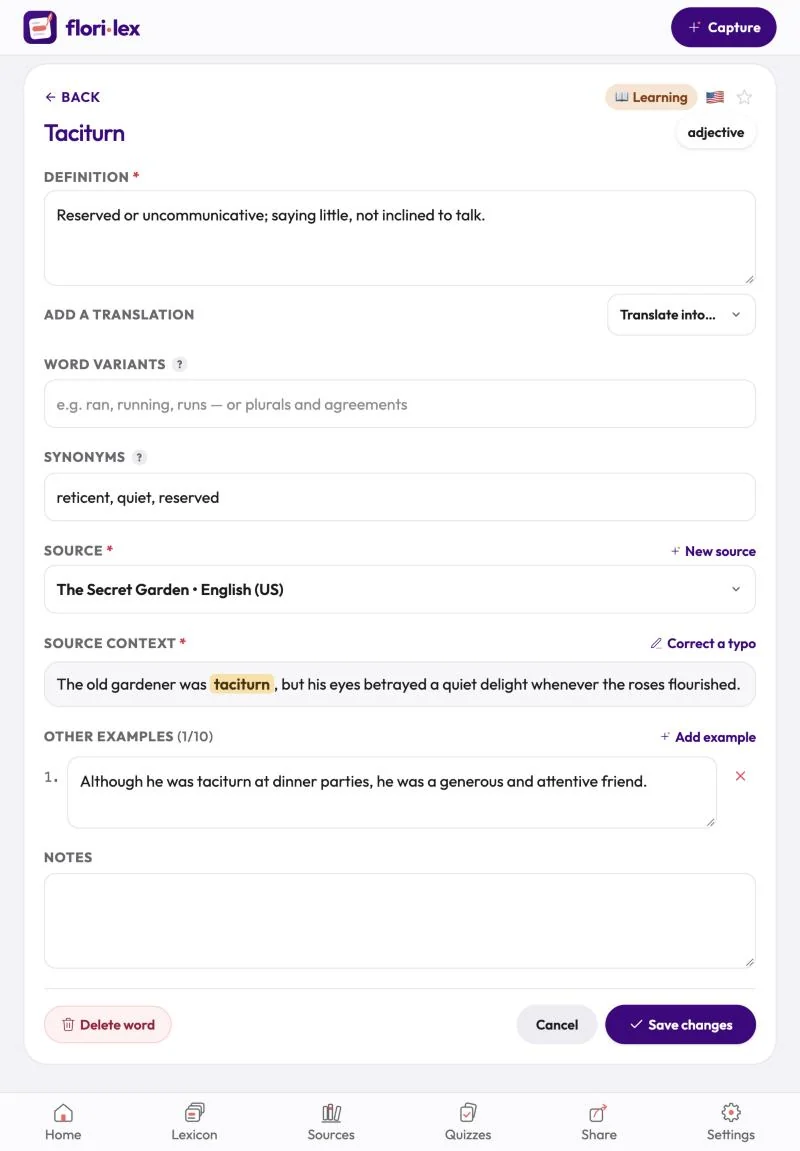
- For a word you already saved: open it, tap Edit word, and choose a language from the Translate into… menu next to the definition.
The translated definition appears under the original one, and synonyms show their translation in parentheses, for example abandoned (abbandonato).