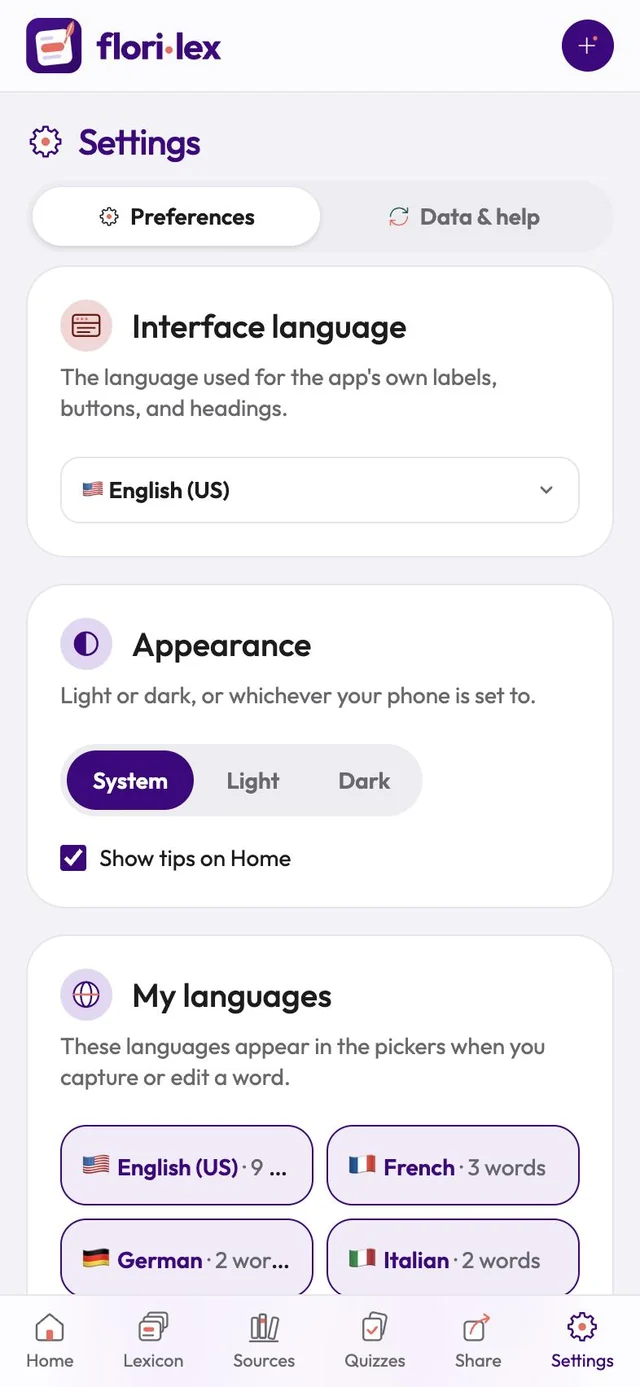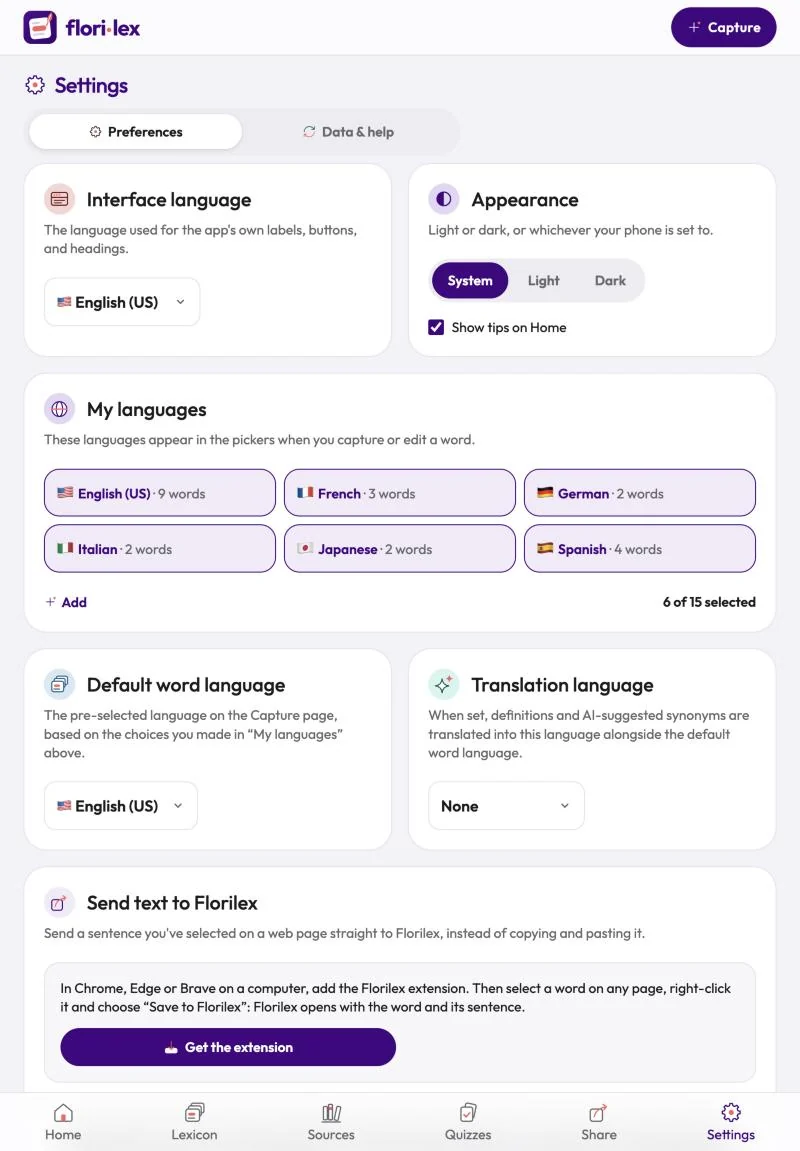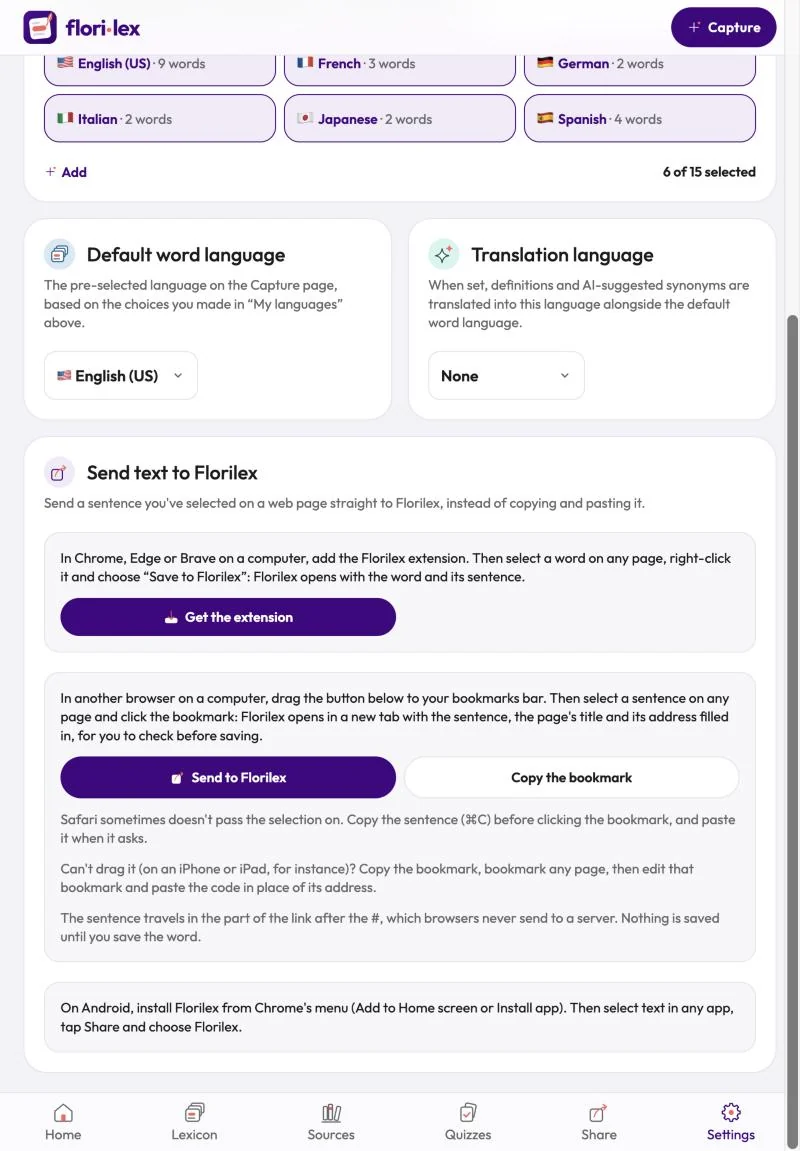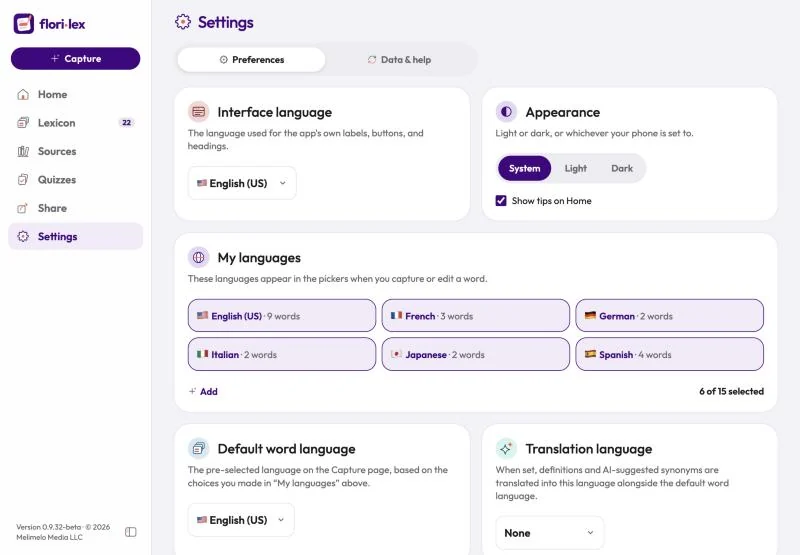
Choose your languages, the app’s look, and whether Home shows tips.
Tap Settings in the bottom bar. The Preferences tab has:
- Interface language: the language of Florilex’s own buttons, labels and headings.
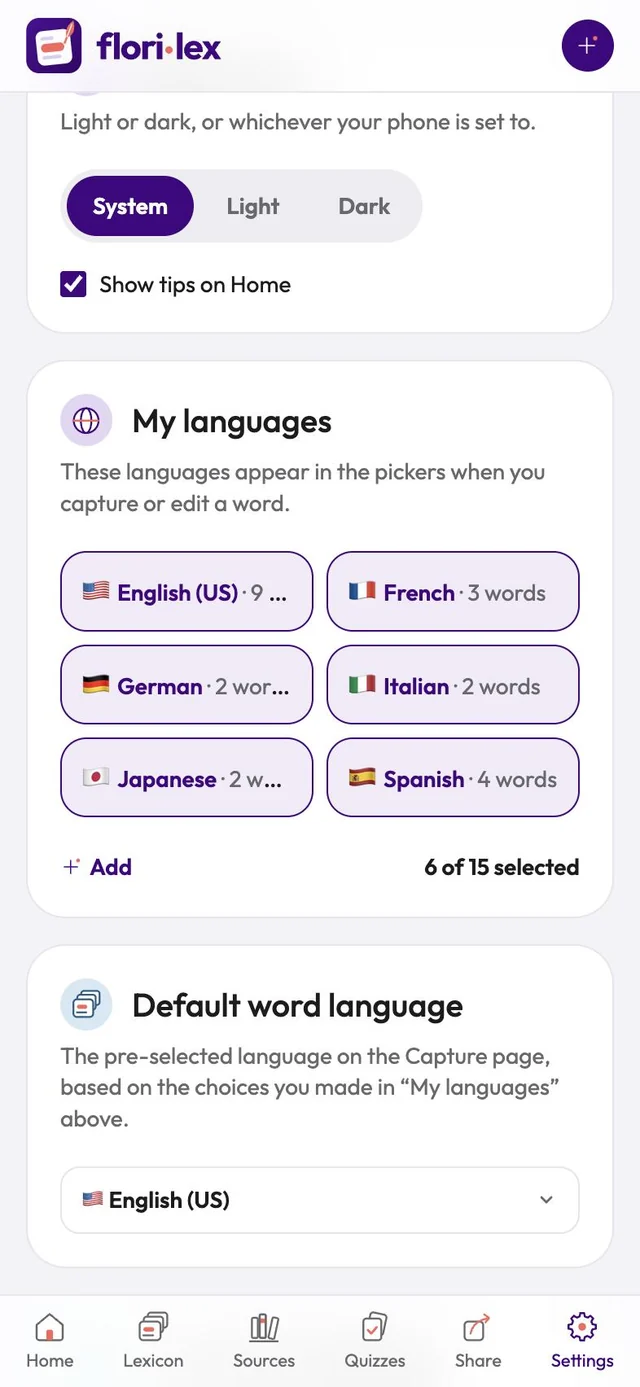
- Appearance: Light, Dark, or System to follow your device’s setting.
- Show tips on Home: switch the tips on Home on or off. On iPhone and iPad, Remind me each day at is here too (see Daily reminders).
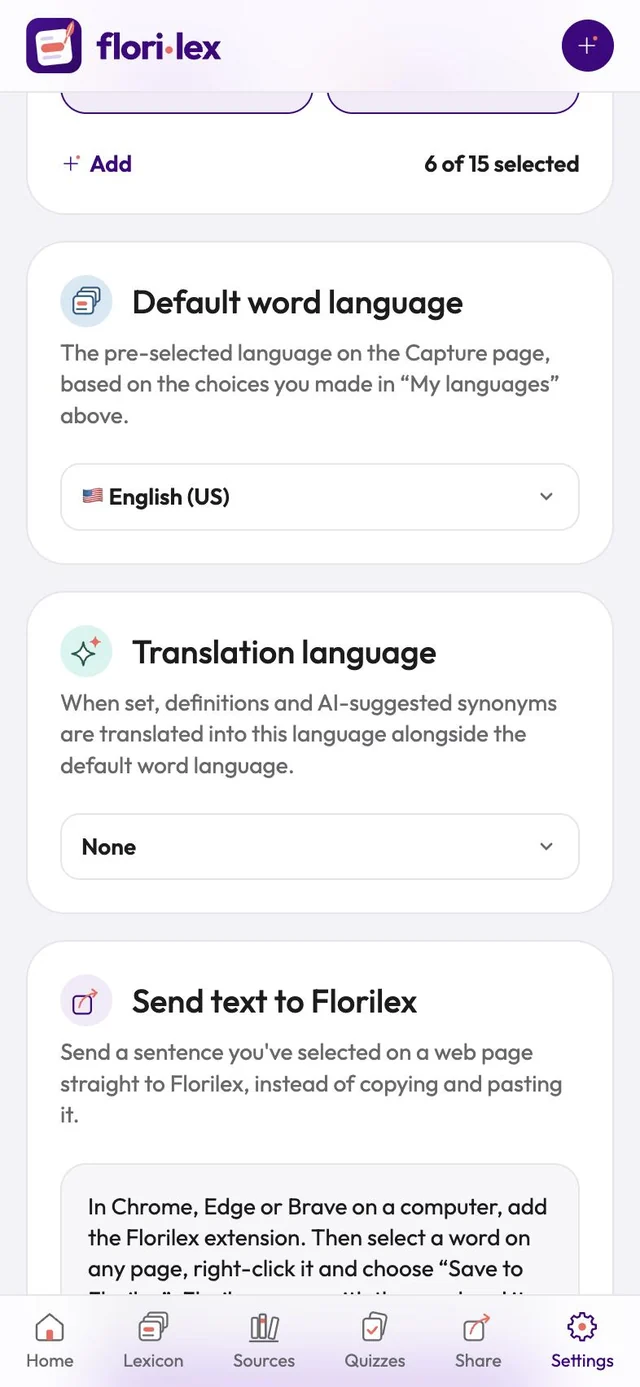
- My languages: the languages you’re learning. Only these appear in the language menus when you capture or edit a word. Each one shows how many words you have in it. To learn another language, tap Add to show all 15 and tick it; Hide shows only the ones you’ve chosen again.
- Default word language: the language Capture selects first.
- Translation language: when set, definitions and AI-suggested synonyms are also shown in this language.