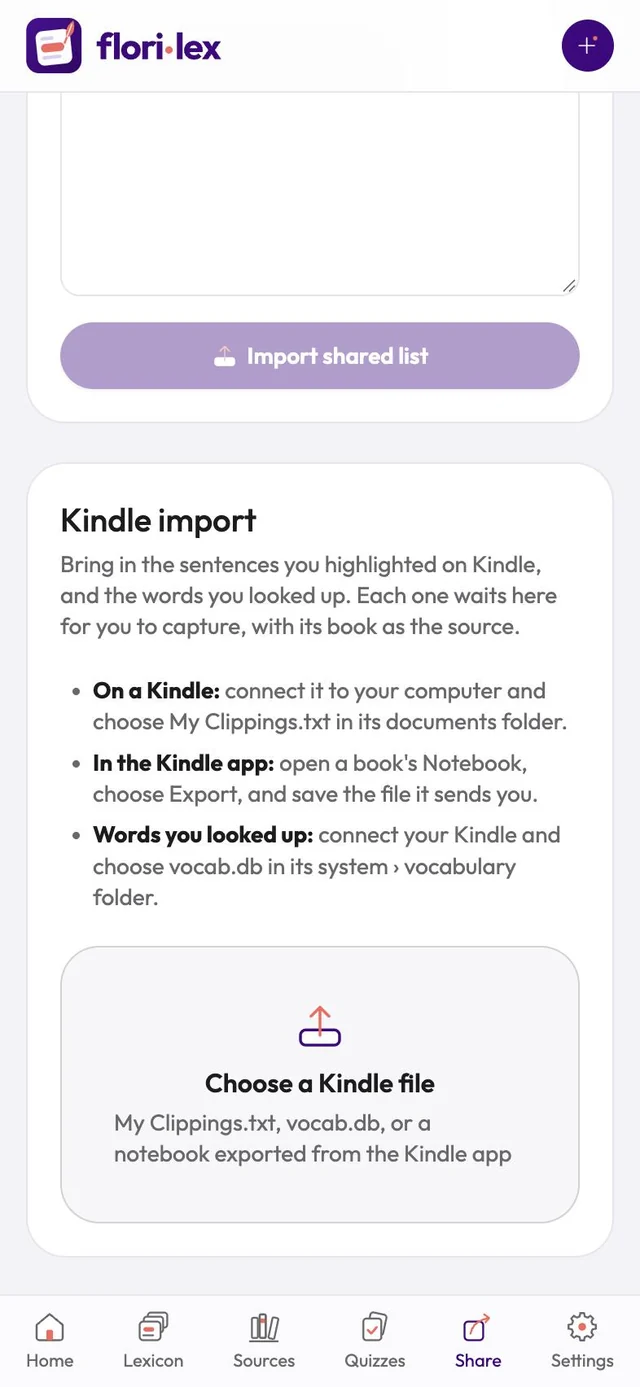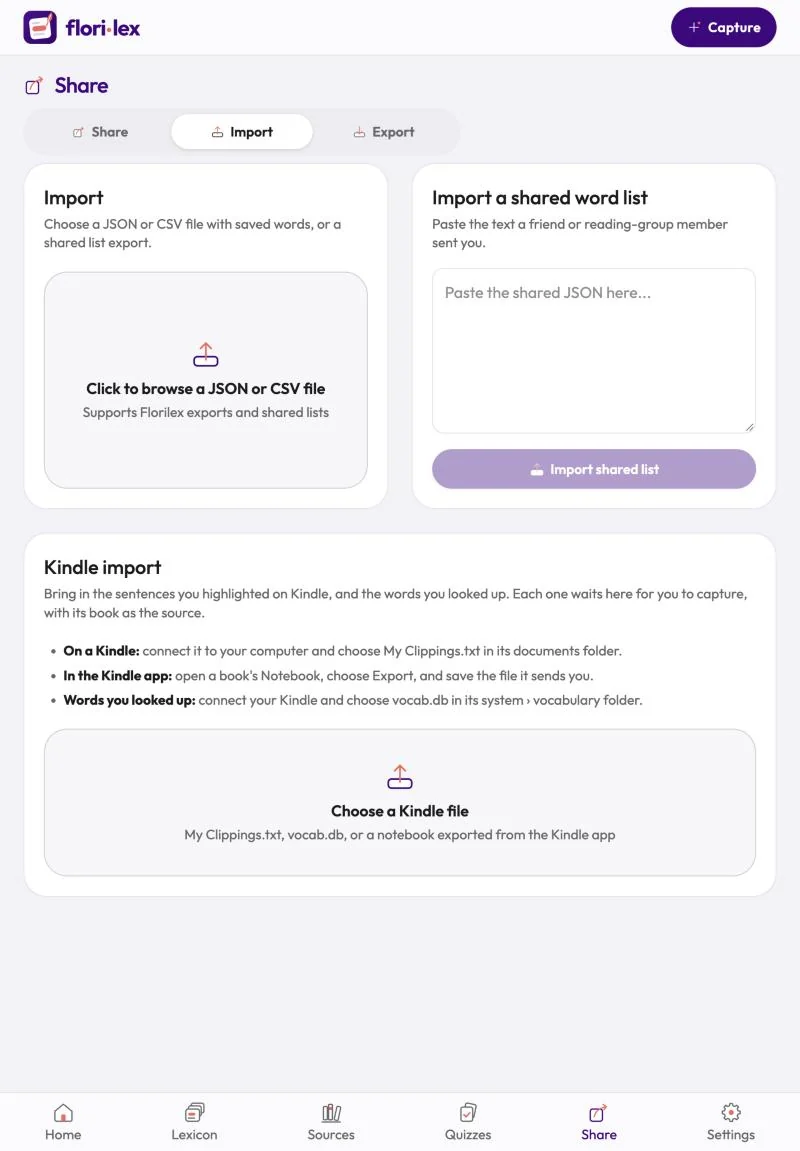
Bring in the sentences you highlighted on Kindle and the words you looked up there.
- Go to Share › Import and scroll to Kindle import.
- Tap Choose a Kindle file and pick one of these: – Highlights from a Kindle device: connect the Kindle to your computer and choose My Clippings.txt in its documents folder. – Highlights from the Kindle app: open a book’s Notebook, choose Export, and save the file it sends you. – Words you looked up on a Kindle: connect the Kindle and choose vocab.db in its system › vocabulary folder.
- Florilex lists your highlights and words book by book, with each book already set as the source. Capture them one at a time, or all at once with Capture all.