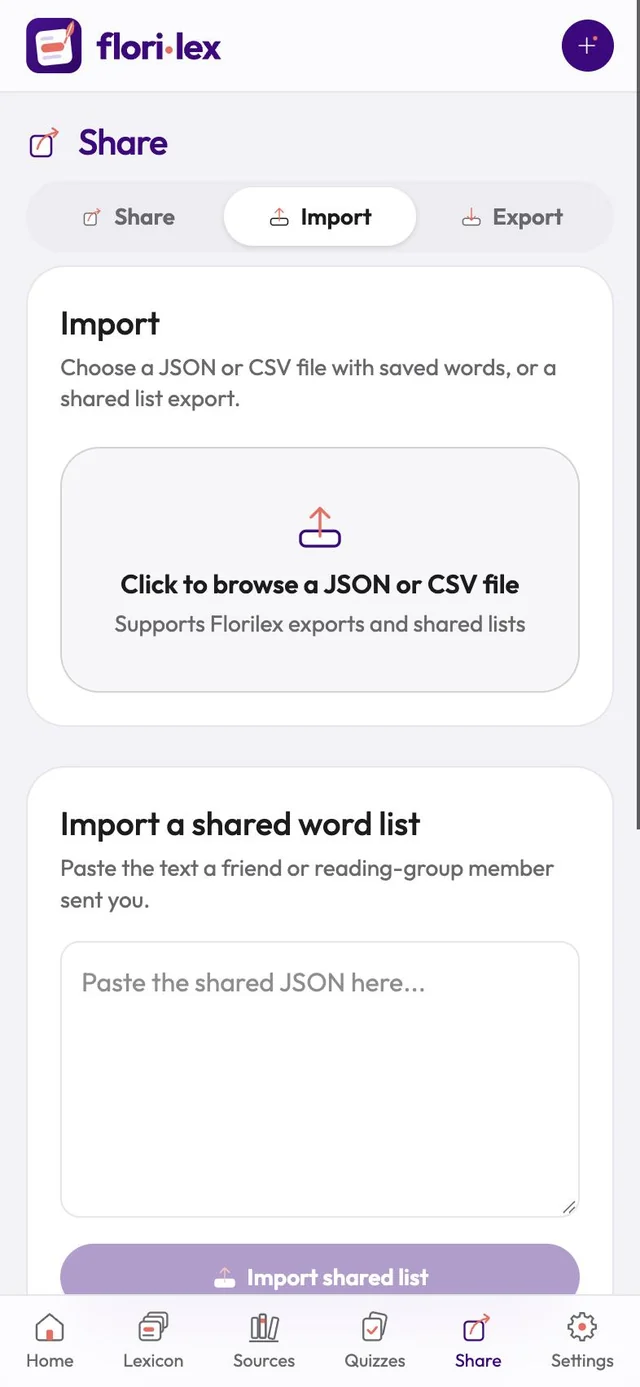
Bring words into Florilex from a backup, a spreadsheet or a list a friend sent you.
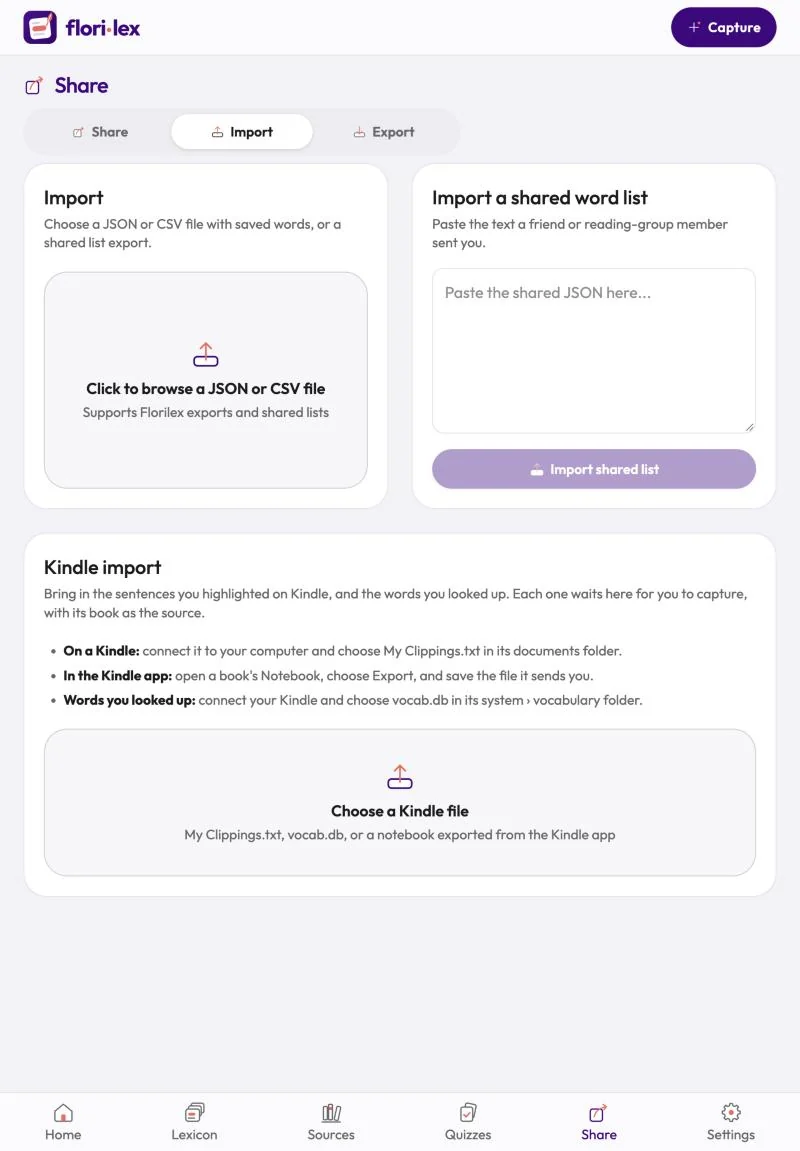
- Tap Share in the bottom bar, then the Import tab.
- From a file: tap the upload area and choose a JSON or CSV file, such as a Florilex backup or a shared list.
- From a shared list someone sent as text: paste it into Import a shared word list and tap Import shared list.
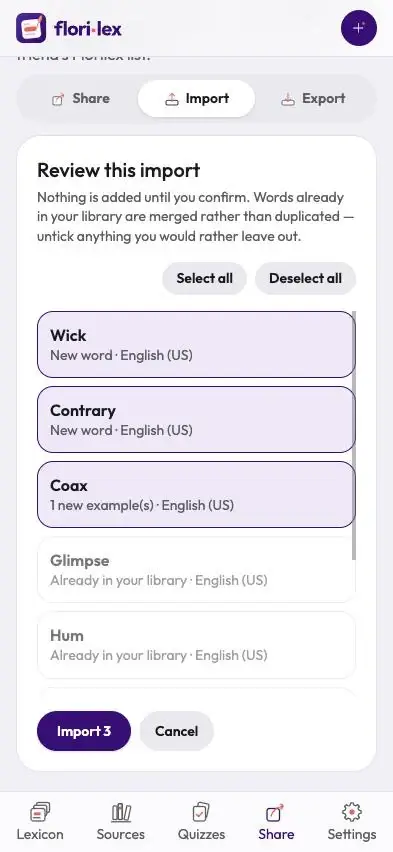
Before anything is added, Florilex shows Review this import. Each word is marked New word, Already in your lexicon, or with what it adds to a word you have, such as 1 new example(s) or 1 new sense(s). Words you already have are merged, not duplicated.
- Untick anything you’d rather leave out, or use Select all and Deselect all.
- Tap Import (it shows how many will be added, for example Import 3), or Cancel.