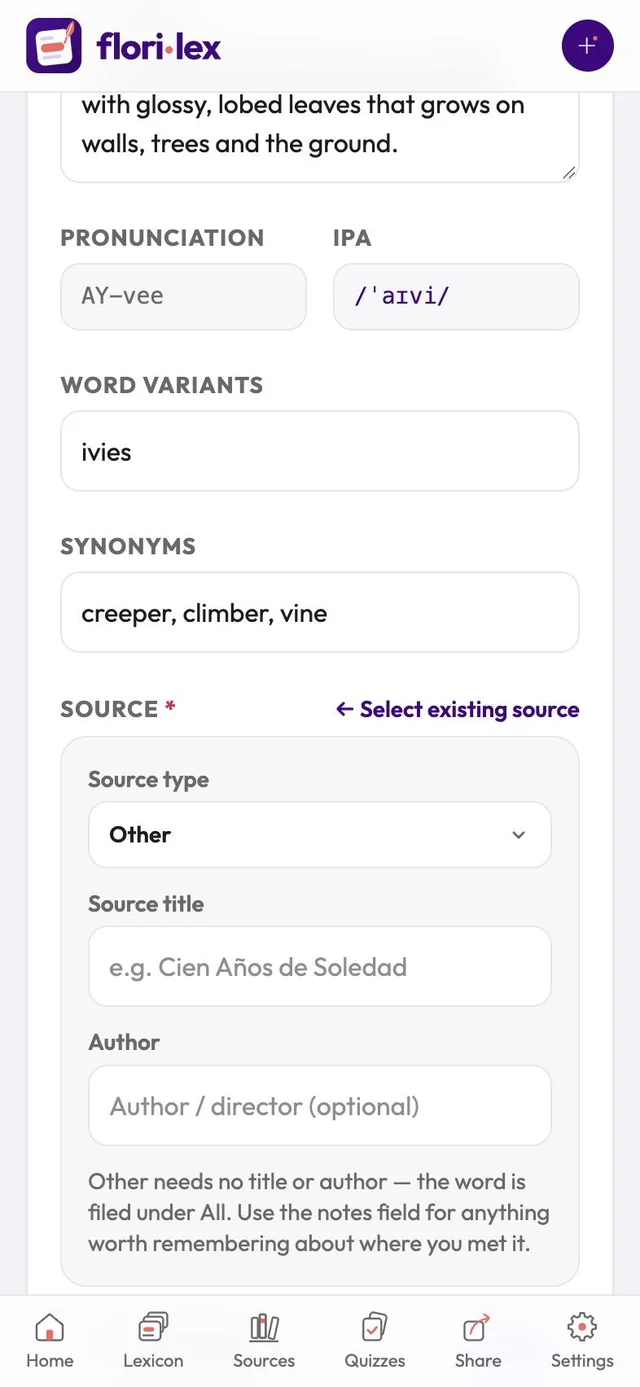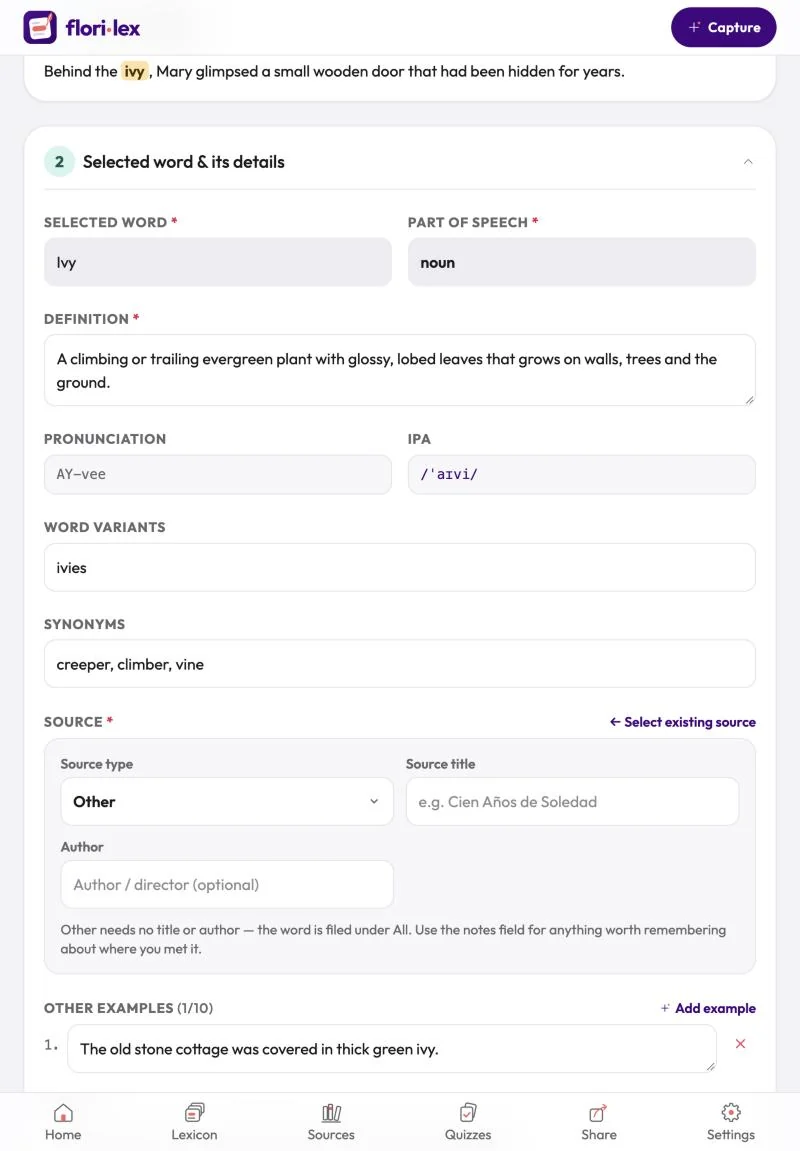
Keep track of where each word came from, such as a book, a film or an article.
- In the Source field on the Capture or Edit page, pick an existing source from the list.
- To add a new one, tap Create a new source.
- Choose a Source type: Book, Movie/TV, Video, Article, Website, Podcast, Song, Course or Other.
- Enter the Source title and, if you like, the Author or director.
- To go back to the list, tap ← Select existing source.
Words filed under Other need no title or author. Use the Notes field for anything worth remembering about where you met them.