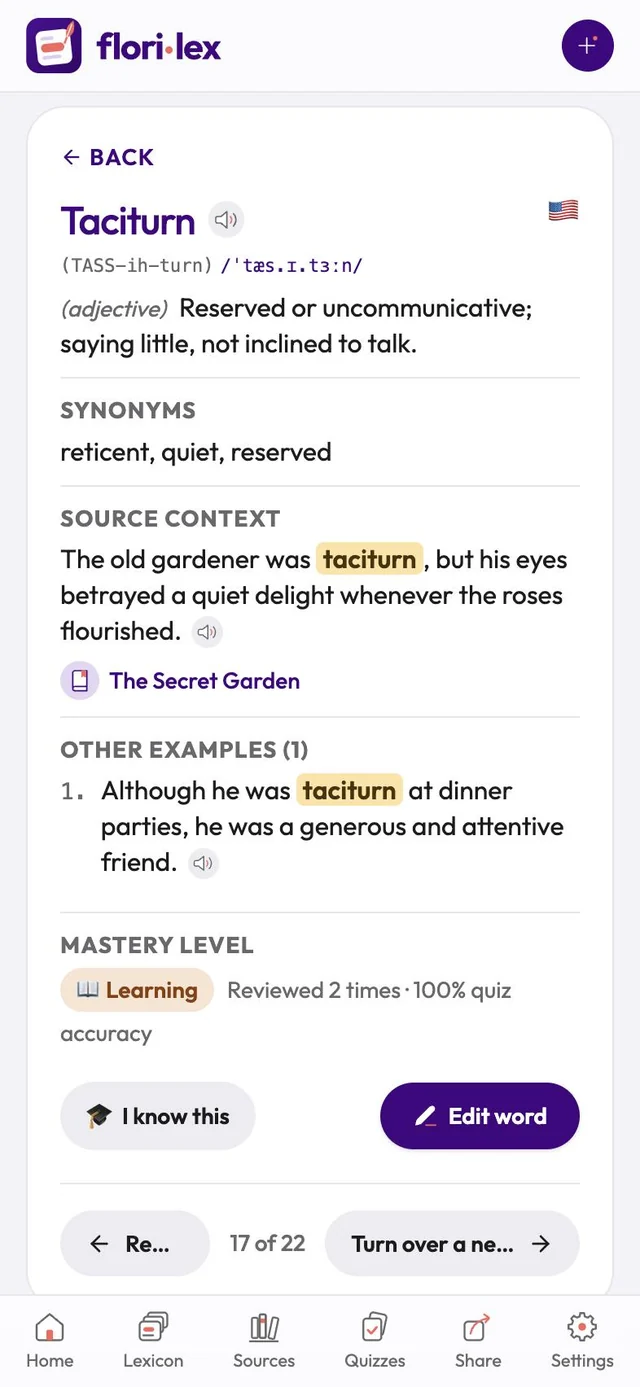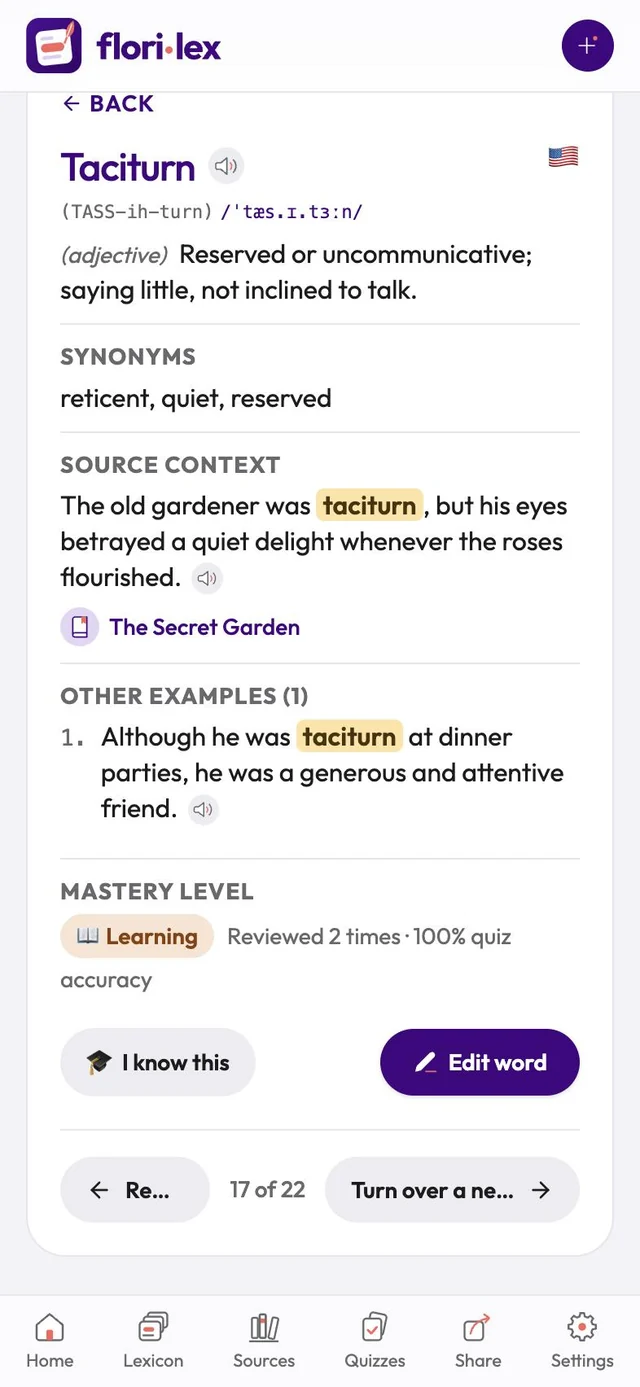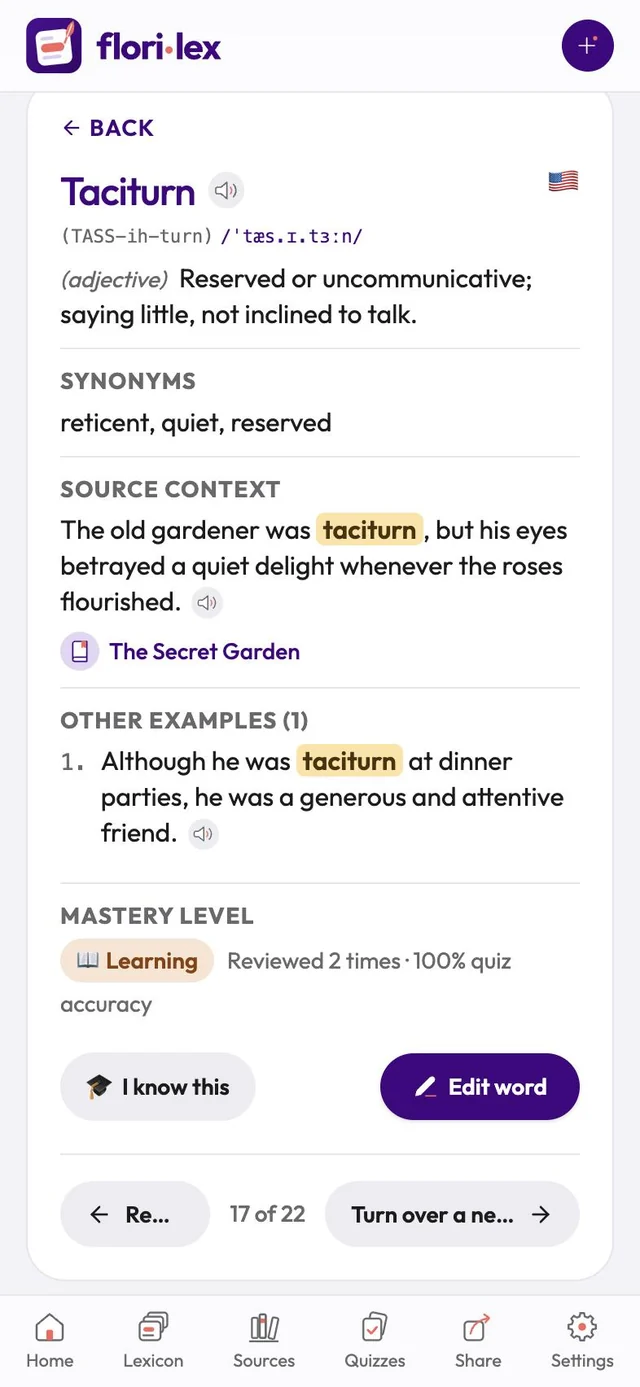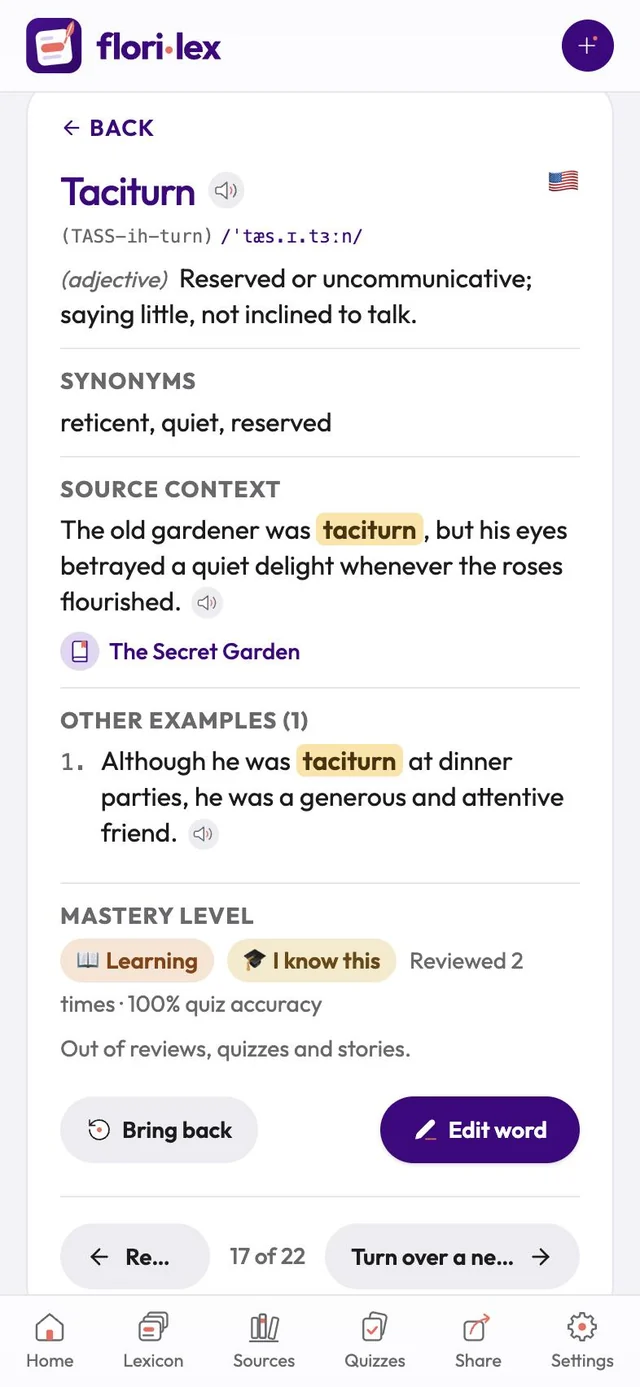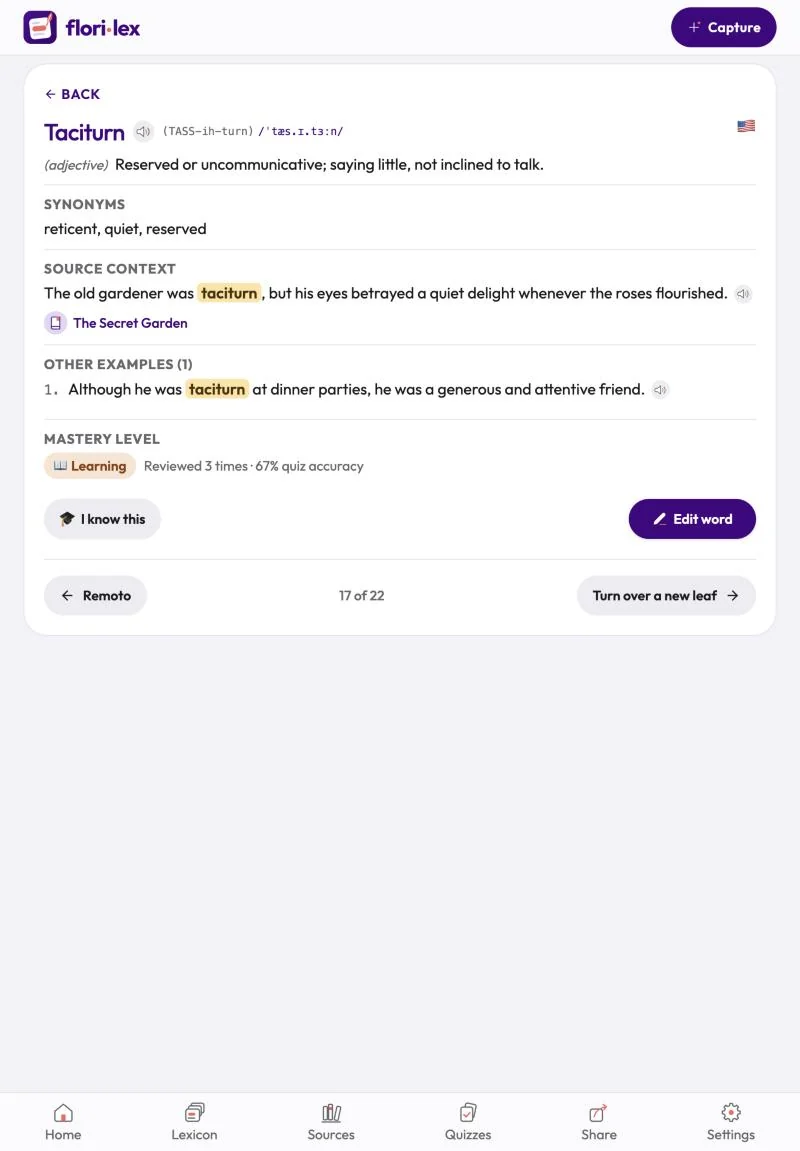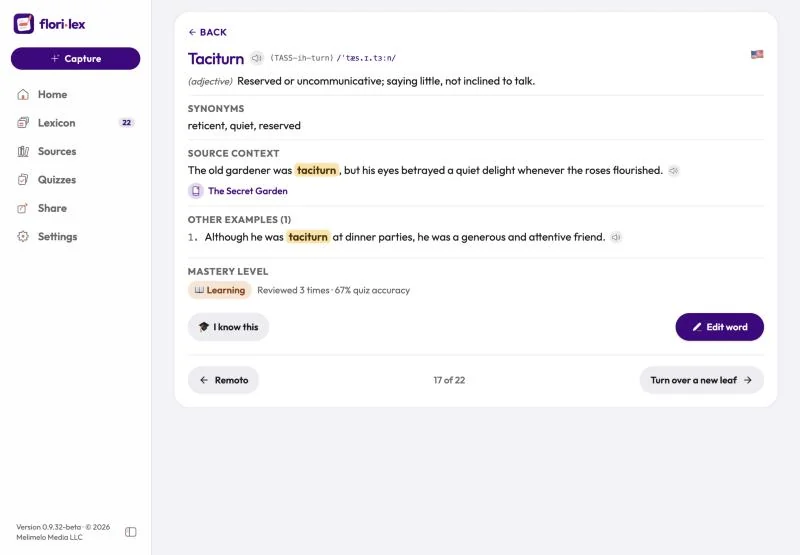
A word’s page shows everything you’ve saved about it in one place.
Tap a word in the Lexicon to open it. You’ll see:
- the word, its pronunciation and IPA, and a speaker button to hear it
- its part of speech and definition, plus the translation if you’ve chosen one
- Synonyms
- Source context: your original sentence, with a link to its source
- Other examples: more sentences using the word
- Notes
- Mastery level: for example Learning · Reviewed 2 times · 100%
Use the arrows at the bottom to move to the previous or next word, or Back to return to the list.
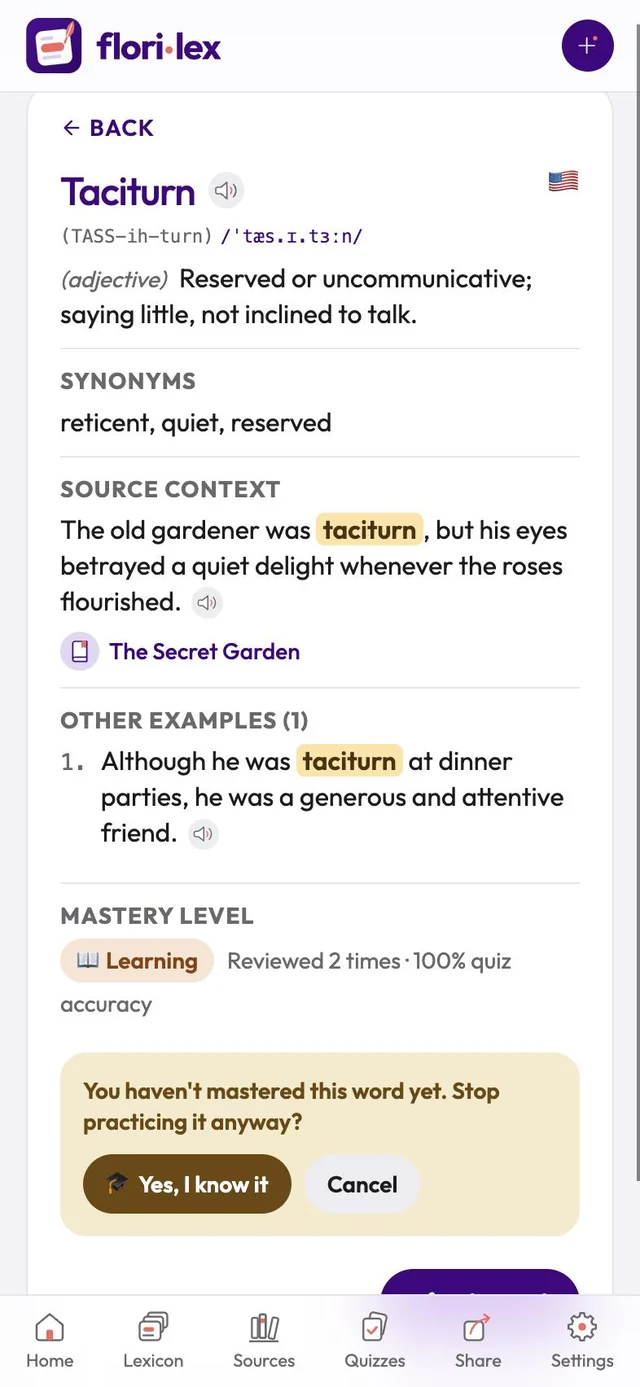
Already know this word? Tap I know this at the bottom of the page. Florilex takes the word out of reviews, quizzes and stories, and shows an I know this badge next to its mastery level.
- If the word isn’t Mastered yet, Florilex first asks You haven’t mastered this word yet. Stop practicing it anyway? Tap Yes, I know it, or Cancel.
- To practice it again, tap Bring back. The word returns at the level it had.
To see all the words you’ve marked, choose I know this as the mastery level in the Lexicon’s Filters.